
This article is contributed. See the original author and article here.
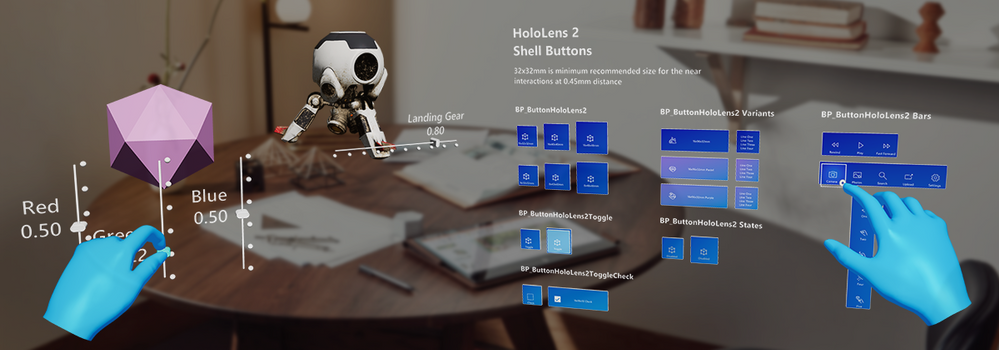
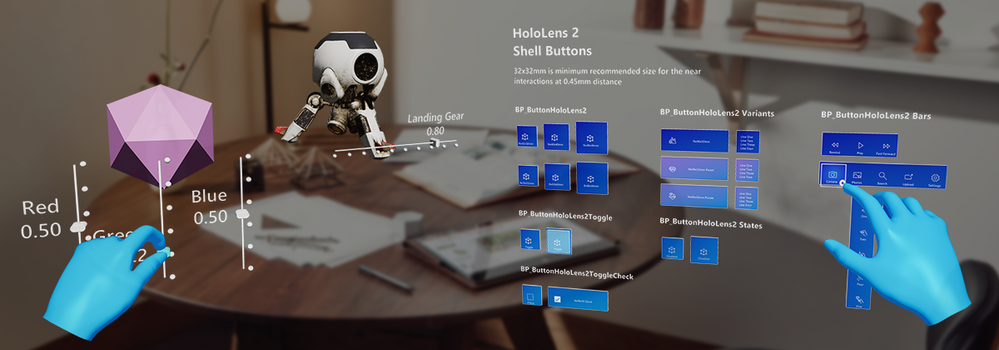
Today we’re shipping our third MRTK-Unreal release, UX Tools (UXT) 0.10, with a slew of new features to help developers place their content in their physical world, organize their controls into menus, and interact with existing UI. UX Tools 0.10 is compatible with Unreal Engine 4.25.
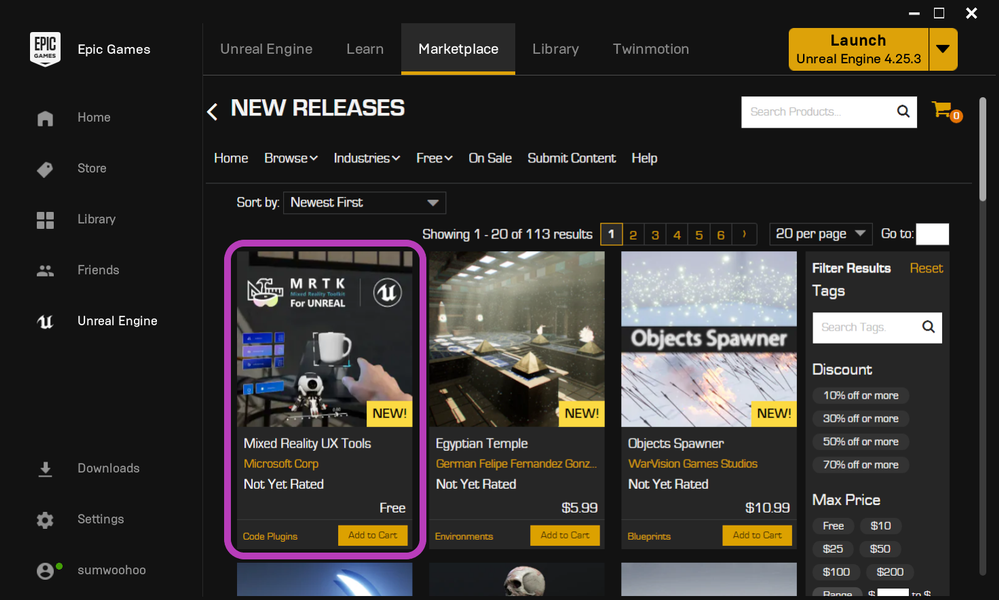
You can now add the plugin directly to your project from the Unreal Engine Marketplace! To try out a sample app demonstrating most of UXT’s key features, check out this download from our latest release on GitHub. Release highlights are below, and the full details can be found in our release notes.
Going forward, we’ll be releasing plugin updates at a bimonthly cadence, so you can expect to see a new set of features in December. Keep reading for a preview of the features coming next.
Release Highlights
- Distribution via the Unreal Engine Marketplace
- Tap to Place
- Hand Menu
- Near Menu
- Radio Buttons
- Surface Magnetism
- Unreal Motion Graphics support
- UI Elements
- Scrolling Collection (experimental)
- Tooltips (experimental)
- Cursor visual improvements
- Bounds control improvements
- Button, Slider, and TextActor conversion from Blueprints to C++
UX Tools is on the Unreal Engine 4 Marketplace– Add UX Tools to your project by opening the Epic Launcher, navigating to the Unreal Engine Marketplace, and searching for Mixed Reality UX Tools!
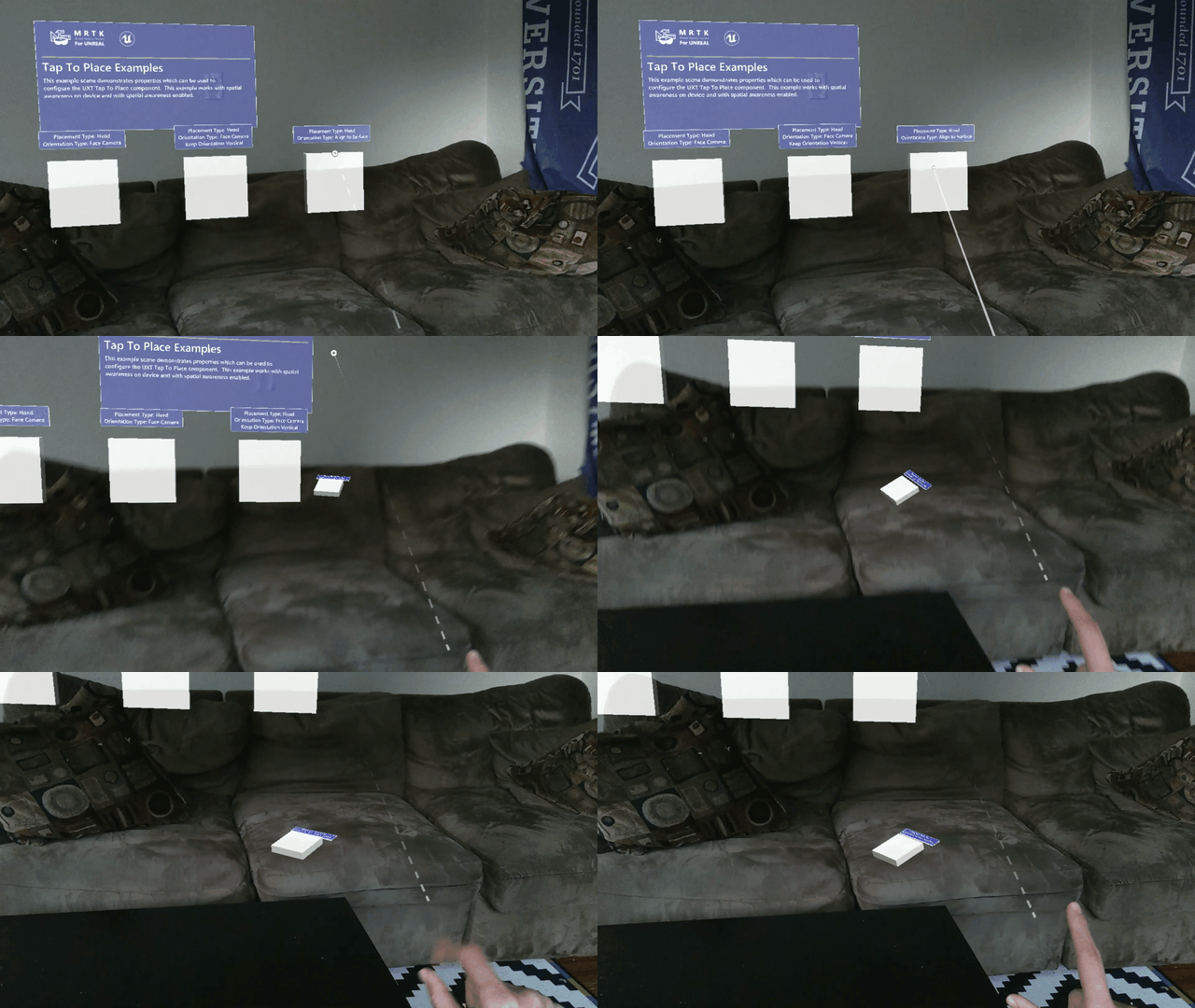
Tap to Place- Use either a hand ray or your head gaze to place holograms on the spatial mesh
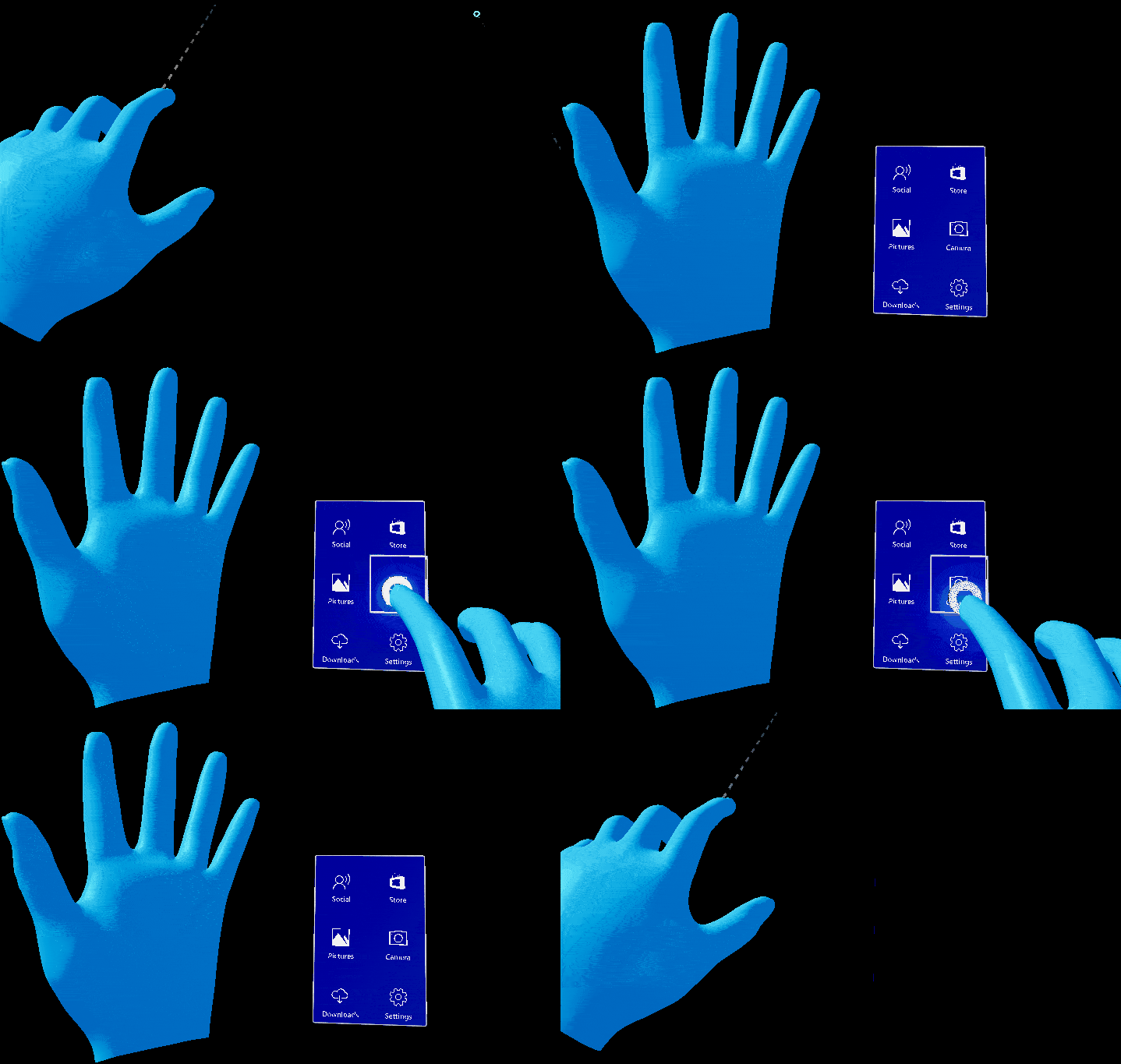
Hand Menu- Attach UI to a user’s hands for frequently used functions
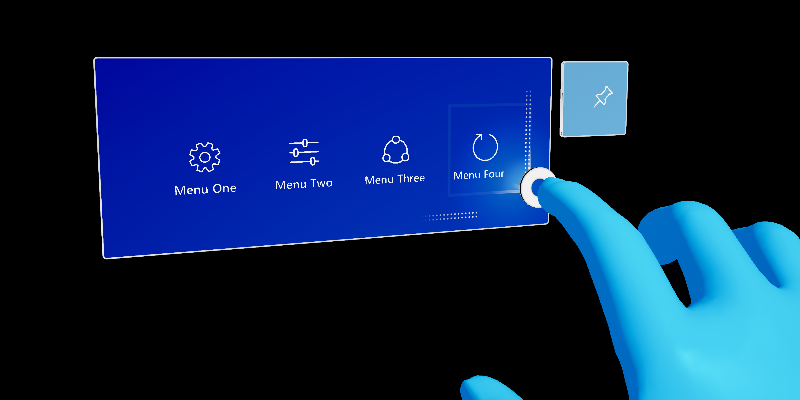
Near Menu- Create UI that follows the user, and can be pinned to the world
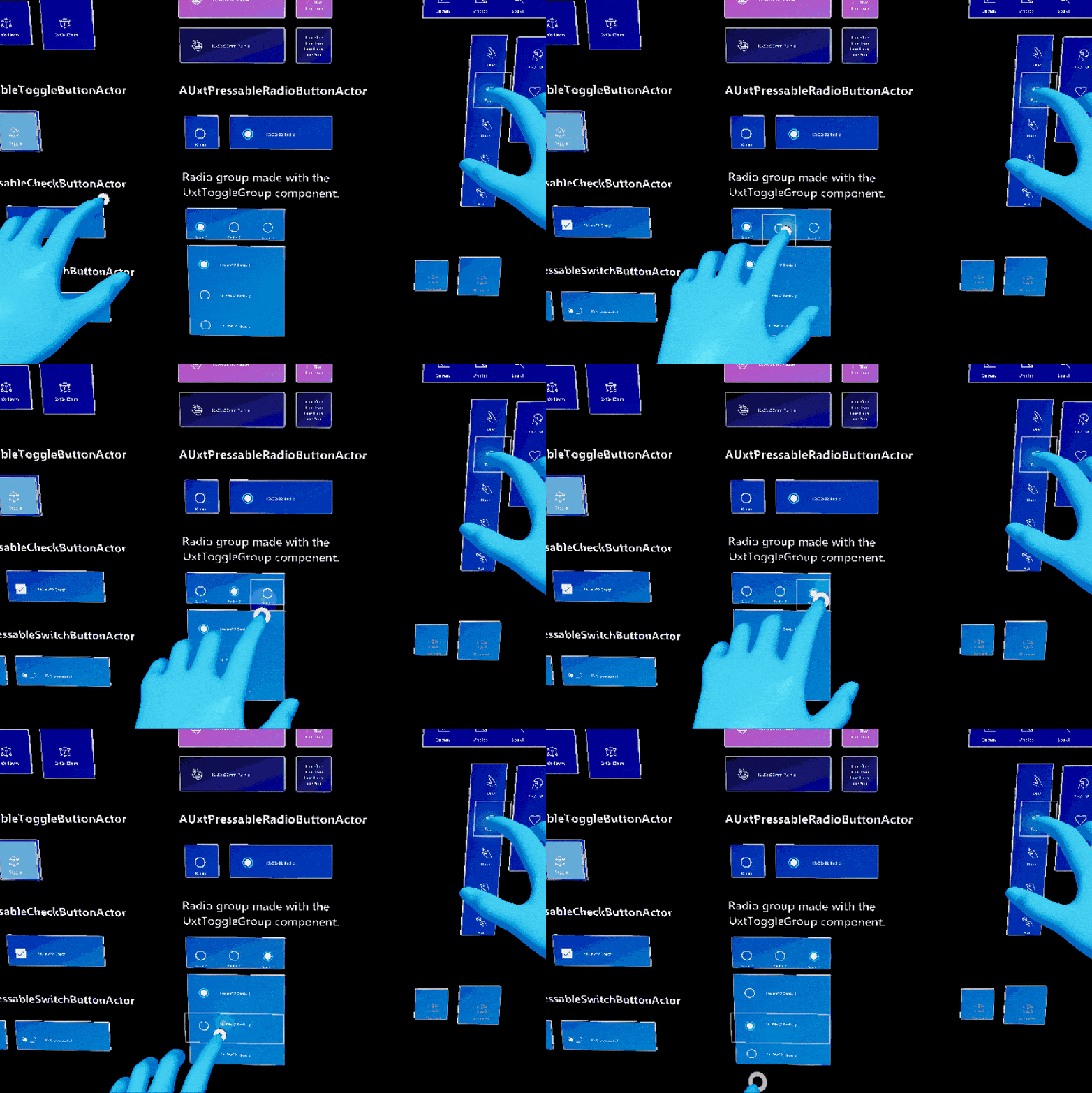
Radio Buttons- Ensure that only one button in a group is checked at a time
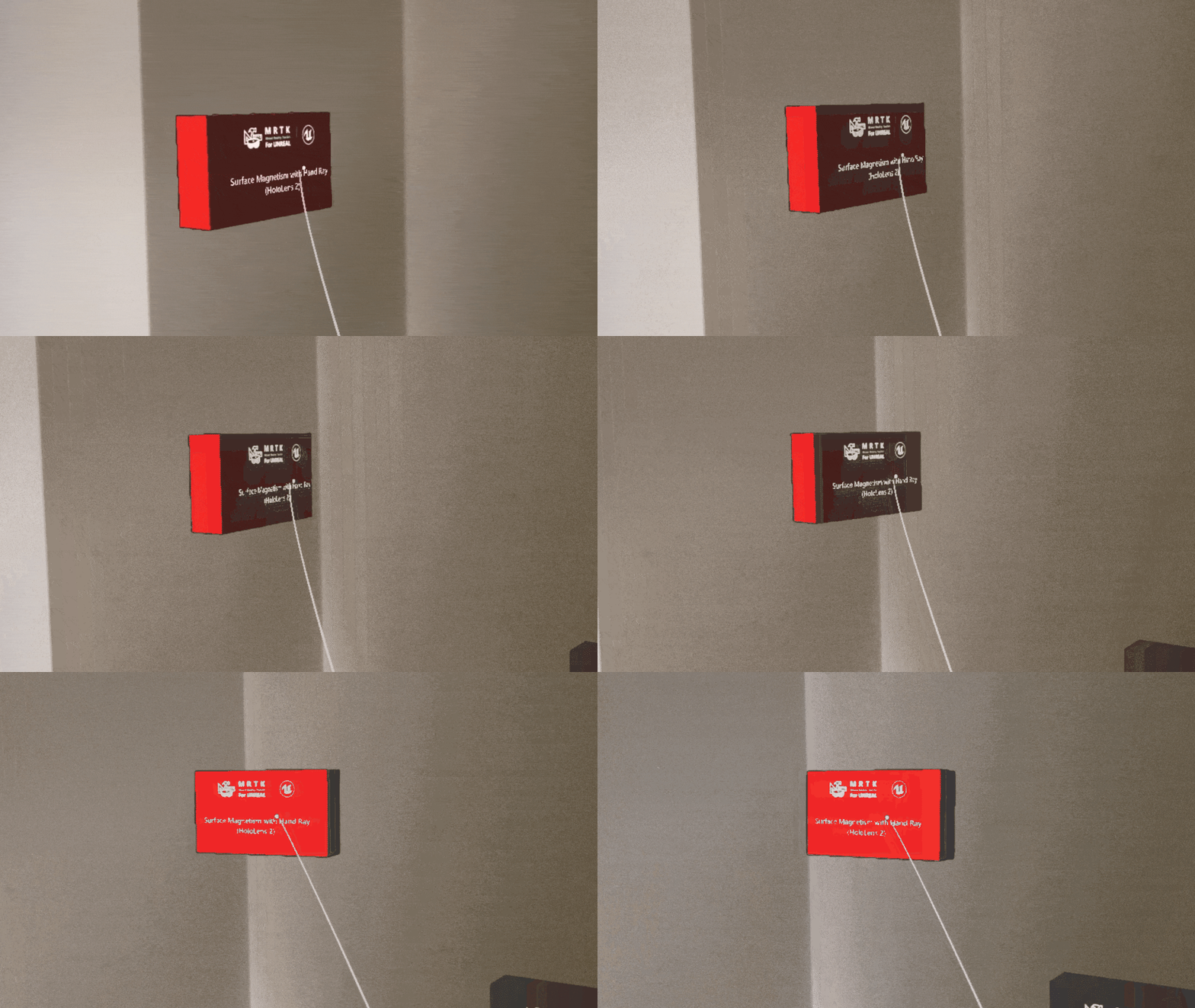
Surface Magnetism- Direct holograms to stick to a surface, whether in-game or to real world walls
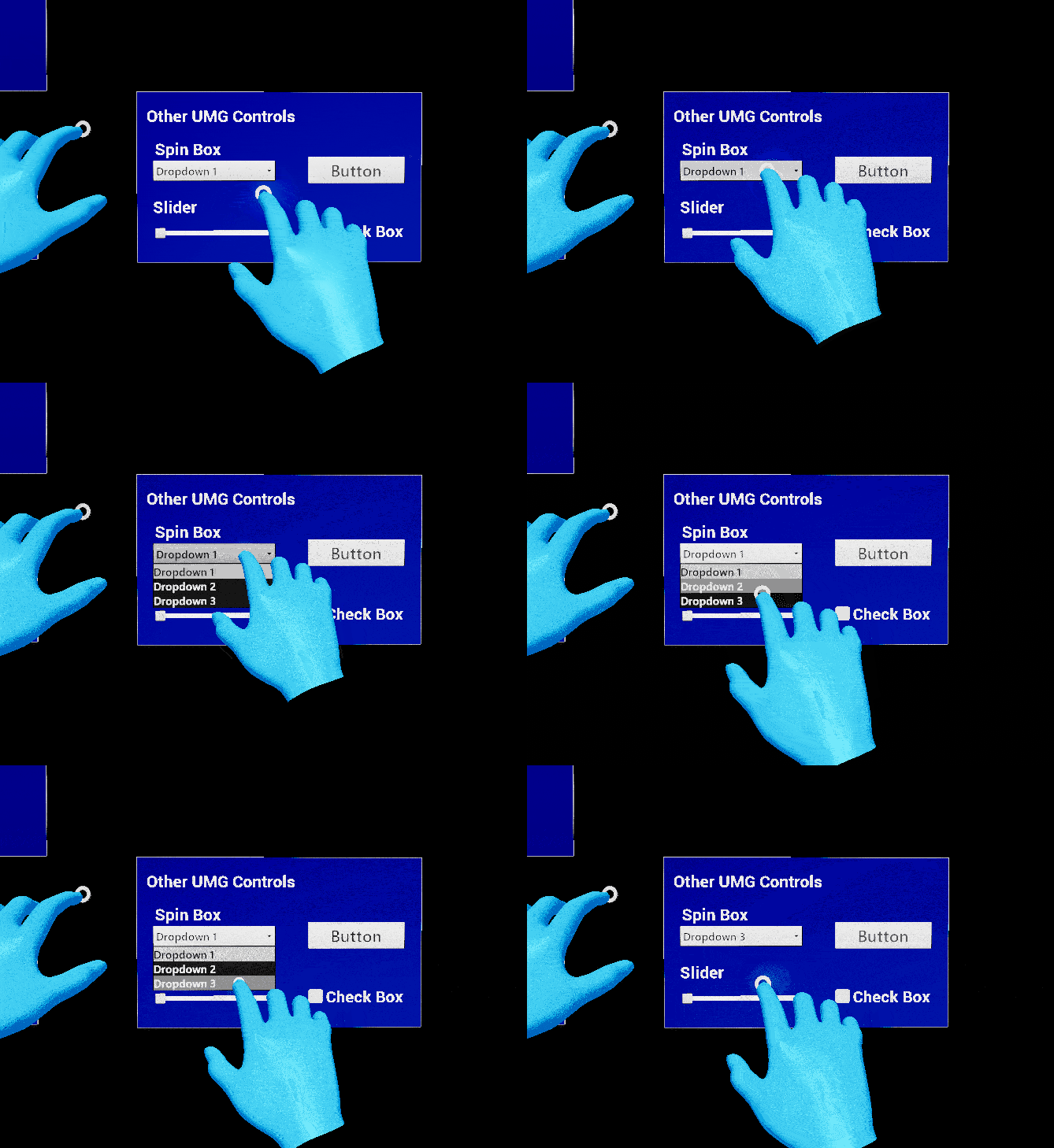
Unreal Motion Graphics support- Enable Unreal Engine’s built-in widget components to respond to hand interactions, both direct and far
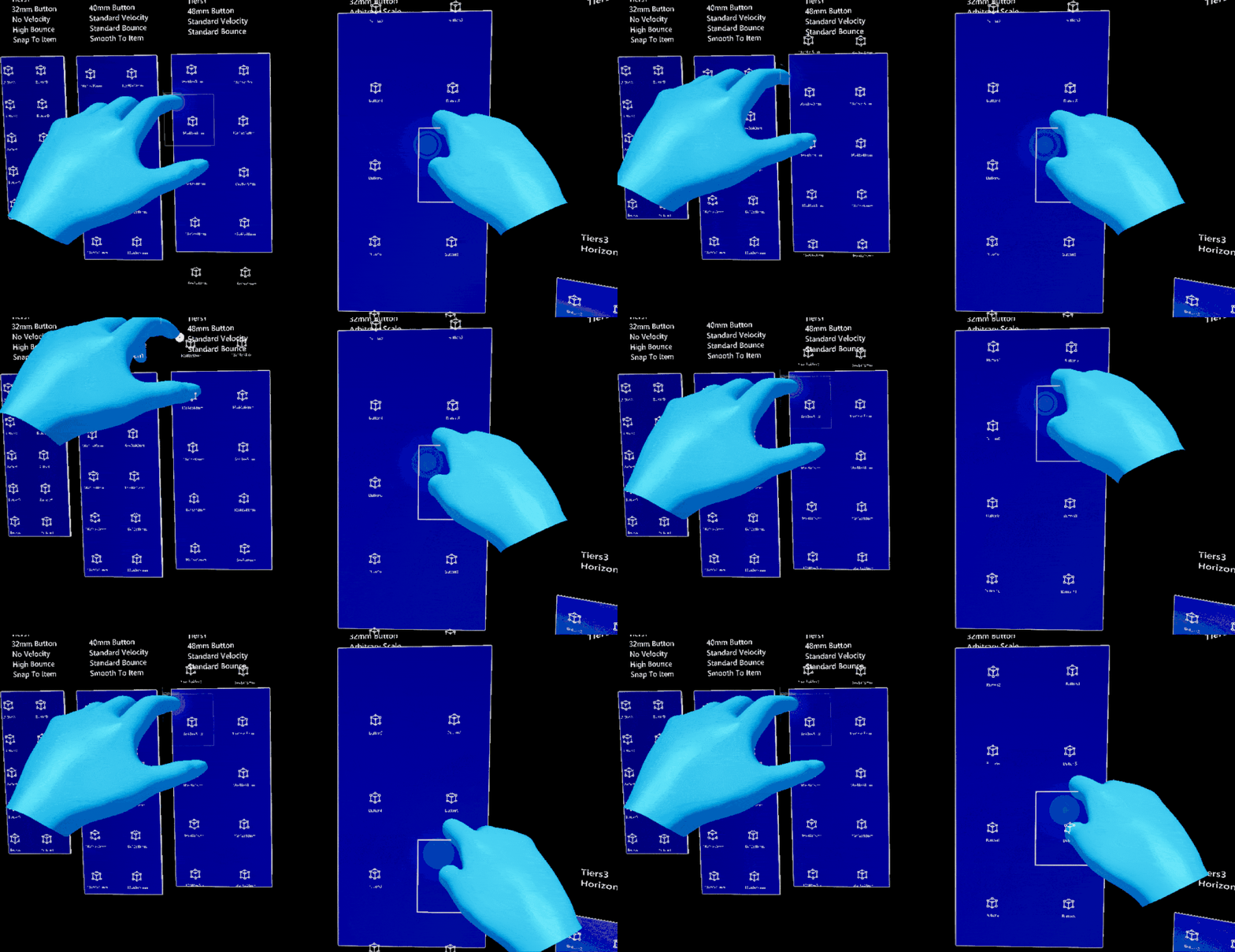
Scrolling Collection (experimental)- Scroll through a collection of 3D objects as if interacting with a touchscreen
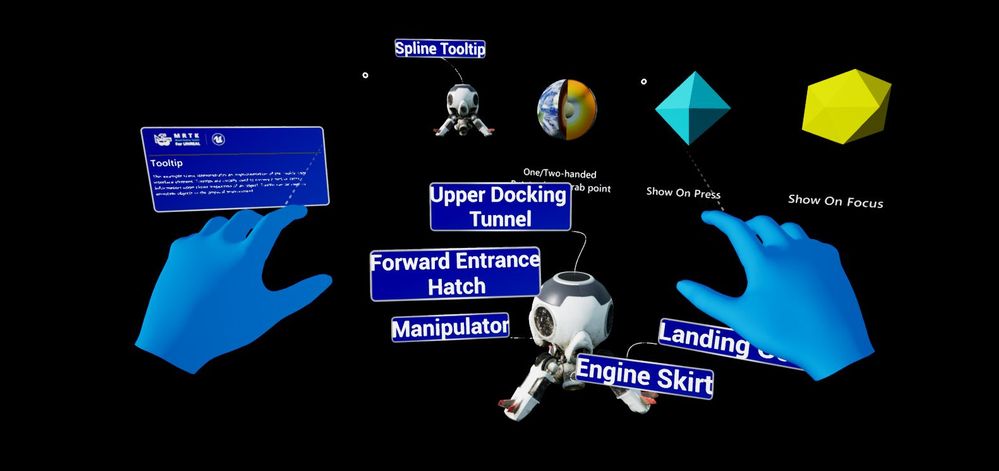
Tooltips (experimental)- Annotate objects with labels and anchors
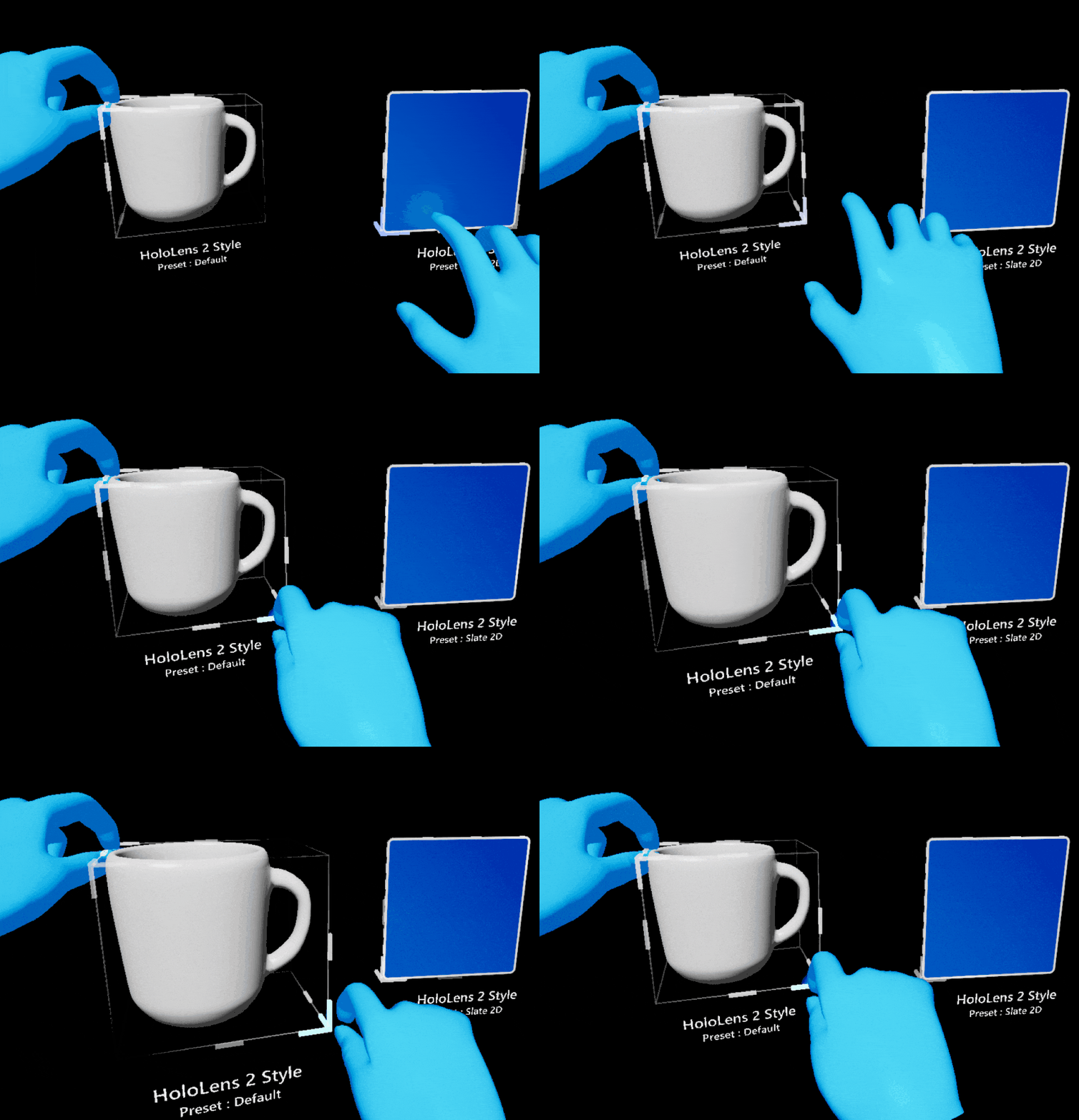
HoloLens 2 Style Bounds Control- Easily resize, rotate, or translate 2D and 3D objects
Visual Logging- Visualize joint positions, proximity, and pointers to aid in debugging hand interactions in the editor
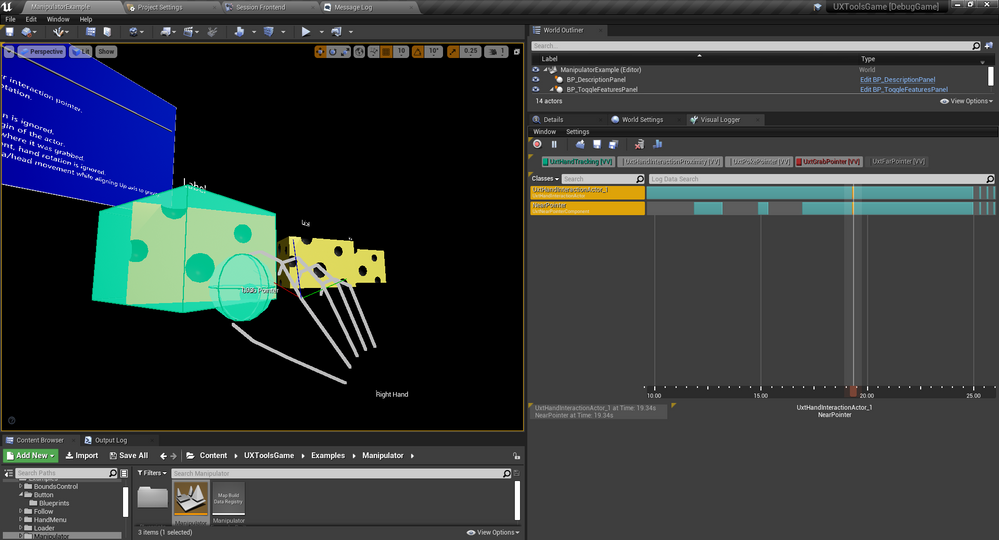
Additional improvements include more polished cursor visuals, as well as conversion of the Button, Slider, and TextActor components from Blueprints to C++.
See the full release notes for more details.
What’s coming next?
The focus for our December release will be preparing MRTK-Unreal to scale: adding cross-platform support, putting UX tools, graphics tools, and examples into separate plugins, and building a foundation for OpenXR support. Cross-platform support has been a top ask from developers, and we hope that providing components that work across AR and VR platforms will enable us to expand the audience we’re able to reach.
- Cross-platform support with Unreal Engine 4.26: Windows Mixed Reality, Oculus Quest, and more
- Text box + keyboard
- OpenXR support
- UX Tools Examples plugin
- Graphics Tools plugin
Try it out!
Ready to grab the latest plugin? Search for Mixed Reality UX Tools on the Unreal Engine Marketplace to add it directly to your project.
To view documentation on Mixed Reality UX Tools, see the source code, or file an issue, please visit our GitHub repository.
Thanks,
The MRTK-Unreal Team 

Brought to you by Dr. Ware, Microsoft Office 365 Silver Partner, Charleston SC.

Recent Comments