by Contributed | Aug 5, 2021 | Technology
This article is contributed. See the original author and article here.
Abnormal Security, an app available in Azure Marketplace, uses advanced artificial intelligence detection techniques to stop targeted phishing attacks. The cloud-native email security platform protects enterprises by detecting anomalous behavior and developing a deep understanding of people, relationships, and business context. Abnormal Security is a member of the Microsoft Intelligent Security Association.
Azure Marketplace interviewed Ben S., an IT director in the manufacturing sector, to learn what he had to say about the product.
What do you like best about Abnormal Security?
Abnormal Security stood out to us as a nuanced and unique way to approach the idea of business email compromise. Through their behavioral engine, they would build out personas for what is normal and expected interaction for your employee base, and through that identification, they would classify what is abnormal activity. And they carry that forward from your internal personnel to the vendor base that you contact and interact with.
It does a really great job of providing reporting both at a high level and then down to the granular details. So there’s a handful of dashboards that help to show attack trends and attack types, whether it be credential phishing, malware scam, or social engineering. Any of those types of categories it’s able to represent both in percentage and count. It’s also able to show attacker origin. And then the other piece that I think is incredibly helpful is that, for the emails it does remediate or take action on, it doesn’t just do that blindly. It actually takes that email message and is able to highlight the pieces that caused its threat score to be elevated so that you, as a security analyst or a support individual, can go through and understand what it is you’re looking at and know why something would be considered a threat or malicious.
How has the product helped your organization?
We saw a lot of banking impersonation and, in some cases, internal invoice impersonation taking place. We were receiving pretty legitimate-looking invoices from known vendors. But they were coming from different email servers. There were also instances where the external contact had been compromised and the invoice had banking information changes to it, trying to get us to wire funds to an attacker’s bank account. Abnormal had a great proof of concept that they were able to walk us through. From the time we turned it on, we saw immediate results from that. The solution integrates with our Exchange Online environment and doesn’t sit in line like a traditional secure email gateway type of solution. It sits next to it and maintains that same visibility. So if an attack is identified after the fact, it’s still connected to the point where it’s able to then do post-remediation and pull those delivered messages out from mailboxes.
Another useful feature is the abuse mailbox. It’s a function that allows us in IT support to leverage some email client toolbar applications for employees to be able to submit suspect messages. Previously that was a manual effort by our security team, where that would become a helpdesk ticket item that then would require hands-on analysis by someone on my team.
How are customer service and support?
Customer service has been great. When we reached out and started to engage with them on the proof of concept, they were tremendous in helping to get the platform configured. And then that carried forward to when we were customers as we were getting more and more familiar with the platform and asking questions, primarily around why certain emails were classified the way they were. Those were all easy-to-open cases where we got connected with dedicated support personnel. They configured this solution for us so that we have some flexibility in some different classifications, most notably the ability for us to maintain our VIP list of people that potentially are at higher risk, or that we want additional scrutiny around because of approval power.
Any recommendations to other users considering this product?
I think the biggest thing in the security space is there are a ton of different solutions and platforms trying to address similar issues. It’s important, when you’re looking for a solution, to understand what you’re looking to address. Financial loss, for us, was one of the biggest drivers, and in the evaluations we did, Abnormal showed the best capabilities to help address that risk.
What is your overall rating for this product?
5 out of 5 stars.
Cloud marketplaces are transforming the way businesses find, try, and deploy applications to help their digital transformation. We hope these improvements make your experience in Azure Marketplace intuitive and simple. Learn more about Azure Marketplace and find ways to discover the right application for your cloud solution needs.
by Scott Muniz | Aug 5, 2021 | Security, Technology
This article is contributed. See the original author and article here.
CISA has released an Industrial Control Systems (ICS) advisory detailing multiple vulnerabilities in InterNiche products. An attacker could exploit some of these vulnerabilities to take control of an affected system.
CISA encourages users and administrators to review the ICS Advisory ICSA-21-217-01 HCC Embedded InterNiche TCP/IP Stack NicheLite and apply the necessary updates and mitigations.
by Scott Muniz | Aug 5, 2021 | Security, Technology
This article is contributed. See the original author and article here.
VMware has released security updates to address vulnerabilities in multiple products. An attacker could exploit these vulnerabilities to gain access to confidential information.
CISA encourages users and administrators to review VMware Security Advisory VMSA-2021-0016 and apply the necessary updates or workaround.

by Scott Muniz | Aug 5, 2021 | Security, Technology
This article is contributed. See the original author and article here.
Official websites use .gov
A .gov website belongs to an official government organization in the United States.

Secure .gov websites use HTTPS A
lock ( )
) or
https:// means you’ve safely connected to the .gov website. Share sensitive information only on official, secure websites.
by Contributed | Aug 4, 2021 | Technology
This article is contributed. See the original author and article here.
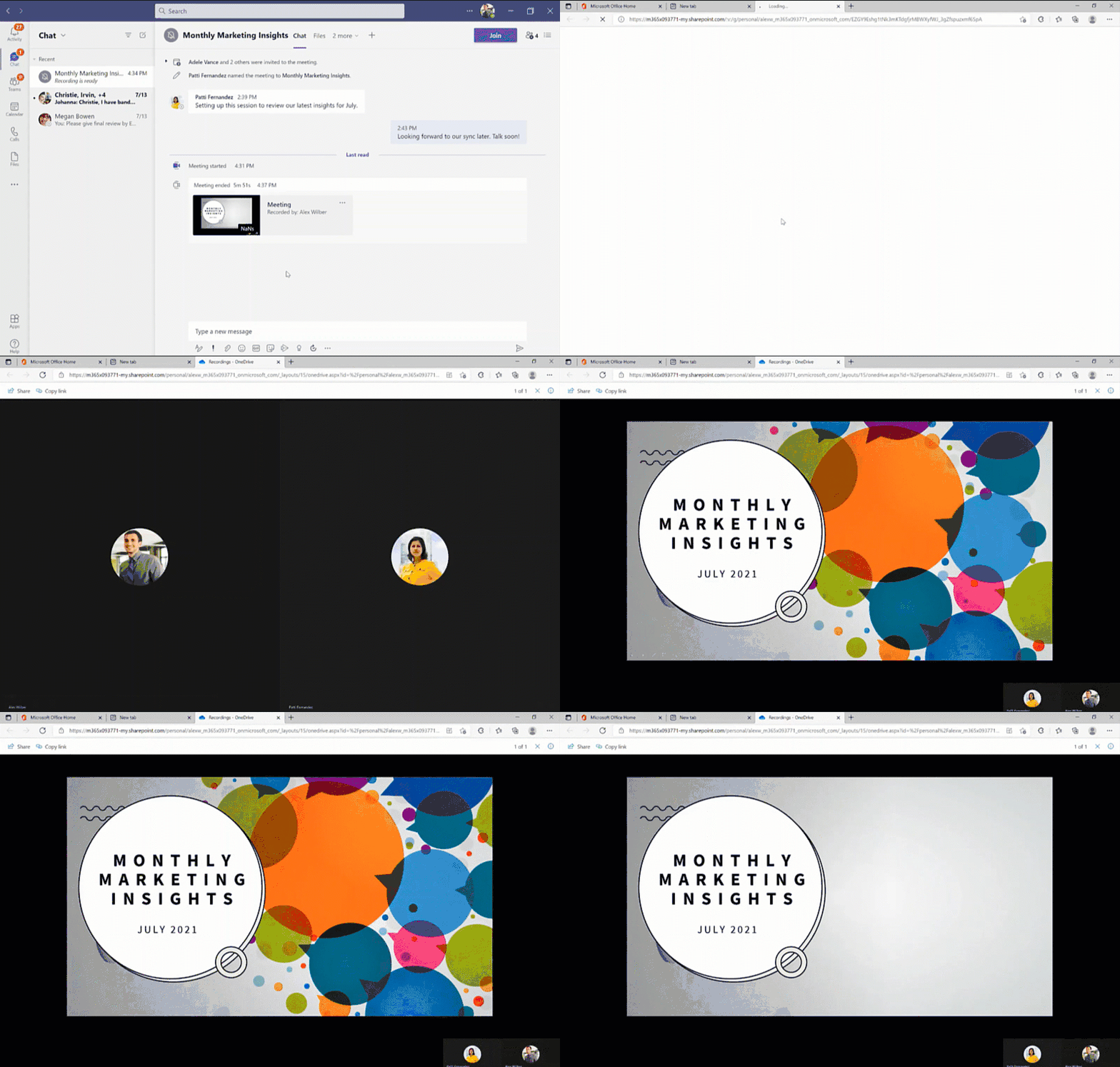
Since we first announced users could save Teams meetings recordings in Microsoft 365, we’ve clocked immense progress – with most users now saving their Teams meetings recordings by default on OneDrive and SharePoint than on Classic Stream. With this switch, users are enjoying many new benefits from meeting recordings being better integrated with Microsoft 365, including: easy share controls and external sharing capabilities, improved video management, advanced compliance and governance, and much more.
In line with the vision for Stream (built on SharePoint), and to bring these increased benefits to all our users, all new Teams meeting recordings will soon be saved to OneDrive and SharePoint – with rollout beginning incrementally from August 16, 2021.
Major updates to transcript coverage and controlling downloads.
Central to the changes we’re making are our users’ needs. Thus, alongside our efforts to transition meeting recordings to Microsoft 365, we’ve been gathering your feedback – resulting in the following product updates and feature accelerations to ensure a more accessible and secure product:
Generating Teams live transcription for all meetings to ensure closed captions are available during playback in Microsoft 365:
- Available today: Teams Live Transcription with speaker attribution has been expanded to all Office and Microsoft 365 license types.
- Rolling out by August: Live transcription will always be generated when a user clicks ‘Start recording’ on desktop client.
- Rolling out by August: Live transcription will be available across all meeting types, including channel meetings and ad-hoc meetings.
- Rolling out by August: Live transcription and live captions will be available for 15 additional spoken languages.
Downloading and editing a transcript file:
- Available today: Users can download the transcript file from the Teams meeting ‘Transcripts’ tab, where users can edit and share the file manually with others.
- Under development: Improvements to the above flow by allowing users to download the transcript file from the video player itself, make changes locally, and upload the file to the player so that the changes are reflected in the closed captions.
- Other immediate options to edit transcripts within the video player: users can download recordings from ODSP and upload to Classic Stream, where a transcript will be generated on-demand and users can edit the transcript within the video itself.
- If you have questions about this or other features, please contact support through your M365 Admin Center or your account manager.
Blocking the downloads of meeting recordings is now available for all users in ODSP:
- Available today: Block downloads for non-channel meeting recordings has been rolled out and turned on by default for all recordings.
- Available today: Block downloads for channel meeting recordings has been rolled out and admins may enable this feature through a new Teams policy setting.
To learn more about these updates, admins can see Message Center post 222640. Microsoft is excited about these updates that will bring higher quality and more accurate transcription to more people and languages than ever before.
What else is happening with Teams meeting recordings stored in Microsoft 365?
The changes above fall within the broader context of the work we’re doing with Stream (on SharePoint). Several other features have begun lighting up for Teams meeting recordings stored in Microsoft 365 including:
- Now available: Auto-recording – Meeting owners can set meetings to automatically start recording.
- Now available: Stream start page – Search and manage meeting recordings from the new Stream start page (stream.office.com)
- Rolling out: Stream video player – Watch recordings from the new Stream web player.
- Under development: Auto-expiration of meeting recordings – learn more about this feature.
To learn more about these, and other upcoming features for Stream (on SharePoint), click here.
In a nutshell, be ready for new experiences with Teams meeting recordings in Microsoft 365.


Recent Comments