
by Contributed | May 11, 2021 | Business, Microsoft 365, Technology
This article is contributed. See the original author and article here.
Over the last year, we have found new ways to create engaging virtual experiences at work. We’ve transformed spaces in our homes to offices, developed new skillsets for remote collaboration, and in some cases, adopted new technology to get work done. I often hear from our customers about the burden of using different tools to…
The post Introducing Webinars in Microsoft Teams: Easy, professional webinars to engage customers appeared first on Microsoft 365 Blog.
Brought to you by Dr. Ware, Microsoft Office 365 Silver Partner, Charleston SC.
by Contributed | May 11, 2021 | Technology
This article is contributed. See the original author and article here.
Our training and certification portfolio continues to evolve, and we invite you to discover the power of Microsoft technology to open new career possibilities. Here are the new learning paths and modules that we released last month on Microsoft Learn. Look for ways to build and deepen your skills, and then validate them by earning a Microsoft Certification. This month, we have a new learning path (with 12 modules) for Microsoft Power Platform solution architects. Check out our other new Microsoft Power Platform and Power Automate modules, plus a new Industry Solutions module. In addition, we’ve got new Dynamics 365 Fraud Protection, Project Operations, and Human Resources modules. Work through these and other modules at your own pace. Use free, online training on Microsoft Learn, to explore new skills to use on the job or to take your career in a new direction. If you need help figuring out which training to take, check out the Dynamics 365 learning paths page and the Microsoft Power Platform learning paths page, where you’ll find useful collections, learning paths to get you started, and popular modules. We’ve also added product-specific landing pages, listed at the end of this post.
We’re removing older, retired courses from the Dynamics Learning Portal on October 15, 2021, as a result of the significant reduction in the number of downloads of these e-learning courses. If you want to keep any of these courses for your own use, be sure to download them before that date.
The following learning paths and modules were released in April 2021.
Microsoft Power Platform
Power Automate
Industry Solutions
Project Operations
Fraud Protection
Human Resources
Product landing pages

by Contributed | May 11, 2021 | Technology
This article is contributed. See the original author and article here.
It’s time to turn content into knowledge with the help of AI. Let the service reason over your data while you focus on curating a unique employee experience that meets your users where they are already working.
In this episode, Chris and I talk with CJ Tan (principal PM manager | Microsoft) about her role at Microsoft on the Project Cortex team. We dig into knowledge roles, deployment practices, common scenarios, and top of mind for ‘what’s next.’ We don’t think that AI is the only substitute for IA. People, metadata, and AI interact better together. CJ walks us through how it all works from pilot to broad-scale use and adoption.
Listen to podcast below:
Subscribe to The Intrazone podcast! And listen to episode 65 now + show links and more below.
Intrazone guest: CJ Tan (principal PM manager | Microsoft)
BONUS | New episode of Microsoft Mechanics – part 1 of 5 on Viva, “Introduction to Microsoft Viva, an Employee Experience Platform” with Jeremy Chapman:
And hey, we have a new logo for the show – you’ll now see it in all the podcast feeds. Our intent was to emphasize the inclusivity of Microsoft 365, promoting connectedness between people, content, and apps. Note the teal through lines. In addition, we addressed feedback to make the logo more accessible across platforms. Let us know what you think in comments below:
 The Intrazone introduces a new logo, showing how it appears in a square format (left) and a rectangle format (right).
Links to important on-demand recordings and articles mentioned in this episode:
- Hosts and guests
- Articles and sites
- Events
Subscribe today!
Listen to the show! If you like what you hear, we’d love for you to Subscribe, Rate and Review it on iTunes or wherever you get your podcasts.
Be sure to visit our show page to hear all the episodes, access the show notes, and get bonus content. And stay connected to the SharePoint community blog where we’ll share more information per episode, guest insights, and take any questions from our listeners and SharePoint users (TheIntrazone@microsoft.com). We, too, welcome your ideas for future episodes topics and segments. Keep the discussion going in comments below; we’re hear to listen and grow.
Subscribe to The Intrazone podcast! And listen to episode 65 now.
Thanks for listening!
The SharePoint teams want you to unleash your magic, creativity, and productivity – and be compliant about it all. And we will do this, together, one compliance score point at a time.
The Intrazone links
+ Listen to other Microsoft podcasts at aka.ms/microsoft/podcasts.
![Left to right [The Intrazone co-hosts]: Chris McNulty, director (SharePoint/Viva – Microsoft) and Mark Kashman, senior product manager (SharePoint – Microsoft).](https://www.drware.com/wp-content/uploads/2021/04/fb_image-89.jpeg "Chris-Mark_in-studio.jpg") Left to right [The Intrazone co-hosts]: Chris McNulty, director (SharePoint/Viva – Microsoft) and Mark Kashman, senior product manager (SharePoint – Microsoft).
Left to right [The Intrazone co-hosts]: Chris McNulty, director (SharePoint/Viva – Microsoft) and Mark Kashman, senior product manager (SharePoint – Microsoft).
 The Intrazone, a show about the Microsoft 365 intelligent intranet (aka.ms/TheIntrazone)
by Scott Muniz | May 11, 2021 | Security, Technology
This article is contributed. See the original author and article here.
Google has released Chrome version 90.0.4430.212 for Windows, Mac, and Linux. This version addresses vulnerabilities that an attacker could exploit to take control of an affected system.
CISA encourages users and administrators to review the Chrome Release Note and apply the necessary updates.
by Scott Muniz | May 11, 2021 | Security
This article was originally posted by the FTC. See the original article here.
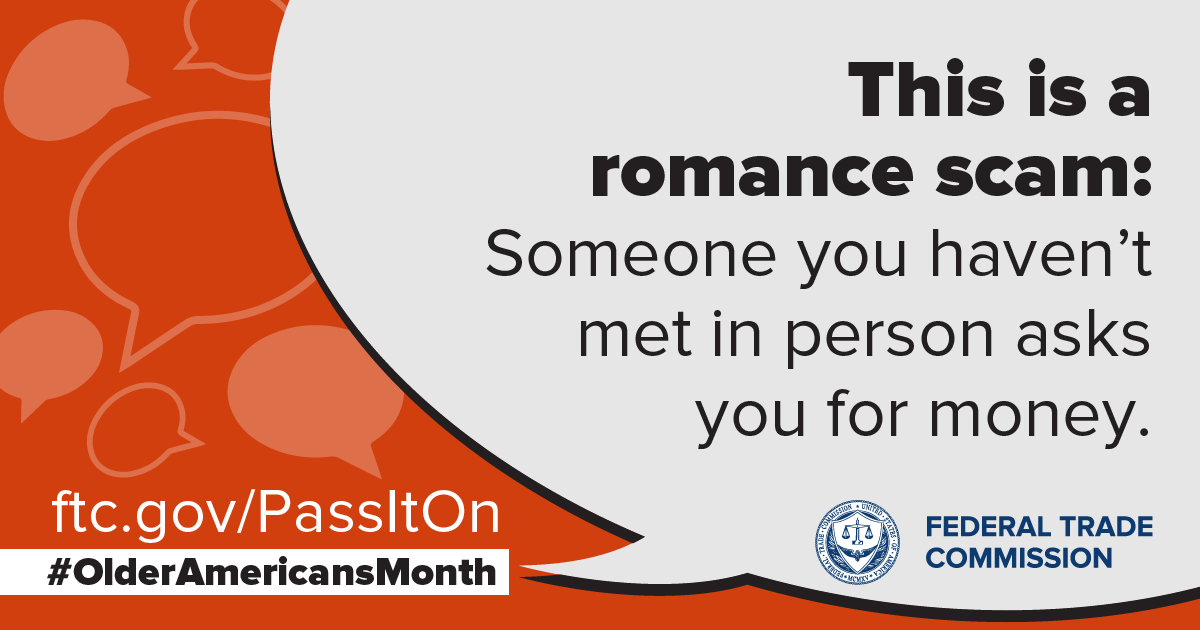
It’s never too late to find love, and lots of dating sites and apps are there to help. But scammers are out to steal your heart, too…and then steal your money. This Older Americans Month, let’s talk about romance scams. These can happen when someone makes a fake profile on dating sites, apps and social media. They then message you to get a relationship going, build your trust, and connect.
Then, they hit you up for money. “Baby, I want to come see you but I’m short on funds. Can you send me $500 for a ticket?” Or, “I love you, honey. But we may not be able to talk anymore because my phone is about to get cut off. I need $300 to pay the bill…” Get the idea?
In the name of love, you send money. They come back with other lies to get still more money. Then the messages stop. You can’t reach them. They’ve taken off with a piece of your heart and big chunk of your wallet.
People reported $304 million in losses to romance scams in 2020. Here’s how you can avoid these heartless imposters:
- If someone you’ve never met in person asks you for money, that’s a scam. No matter the story. Never send money or gifts to anyone you haven’t met in person — even if they send you money first.
- Only scammers tell you to buy gift cards, wire money, or send cryptocurrency. Once you send that money, you won’t get it back.
- Do a reverse image search of the person’s profile picture. See if it’s associated with another name or with details that don’t match up. Those are signs of a scam.
Talk to someone you trust about your new love interest, and pay attention if they’re concerned. Learn more by watching this video and at ftc.gov/romancescams. And if a scammer tries to charm you out of your funds, report it to the FTC.
Brought to you by Dr. Ware, Microsoft Office 365 Silver Partner, Charleston SC.


Recent Comments