Applications
|
 |
Adjuto: Adjuto is a liabilities, fees, and investor relationship management system for life insurance companies, asset management companies, and distributors. Adjuto helps users ensure commercial and regulatory compliance, manage fund liabilities, and remunerate intermediaries.
|
 |
Assistant Anywhere: Assistant Anywhere from ACF Technologies combines its core customer experience software, Appointment Scheduling and Queue Management, with the new virtual technologies Wait Anywhere, Check-in Anywhere, and Q-Anywhere to deliver a complete virtual customer experience platform.
|
 |
Bookigy: Bookigy supports flexible seating in offices, allowing employees to reserve workspace through their laptop or mobile phone. Managers can use valuable application data in the Bookigy dashboard to optimize workspaces and workflows.
|
 |
BusinessSPECTRE: Business SPECTRE is a business intelligence template and a data linkage framework for SAP enterprise resource planning. With Business SPECTRE, data can be rapidly extracted and transferred to Microsoft SQL Server. This app is available only in Japanese.
|
 |
Comarch BSS: Comarch’s BSS (business support systems) portfolio allows telecommunications operators and small and medium-sized enterprises to manage billing, customer care, and service provisions through a fully digitized experience. Comarch BSS can be customized to your company’s specific requirements.
|
 |
CoroPlus Machining Foresight: CoroPlus Machining Foresight performs analysis throughout the manufacturing value chain. It generates real-time and historic process reports based on data from machine tools, cutting tools, and other manufacturing software.
|
 |
CovidTestMan: CovidTestMan records the results of COVID-19 tests conducted by your organization and generates the necessary documents for payment by health insurance companies. This app is available only in Czech.
|
 |
cta.x – Control Test Automation: Grant Thornton’s new control test automation solution, cta.x, can help audit departments use automation to reduce costs, create efficiencies, and enhance their value proposition. cta.x makes risk management and compliance data-driven, integrated, and automated.
|
 |
DeviceOn/Kiosk+: Advantech’s DeviceOn/Kiosk+ makes it easy to onboard, visualize, operate, and manage your industrial IoT devices. Monitor kiosks and other devices with the solution’s easy-to-use interface, troubleshoot problems, and send software and firmware updates over the air (OTA) on-site and remotely, at scale.
|
 |
EasyCSV: Blackbox Development’s EasyCSV is an automation platform that enables you to fetch CSV or XLSX files from Microsoft OneDrive and send the data to the Zapier online automation tool or to any app or API. You can also create CSV or XLSX files directly in OneDrive with data from Zapier or API calls.
|
 |
Educ8e: Educ8e from Lagetronix Nigeria Limited is a web-based management system for academic institutions. Easy to use and implement, Educ8e integrates admissions, registration, student billing, financial aid, and more, with self-service portals and a secure shared database.
|
 |
Footprints for Retail – SaaS: Footprints for Retail is an AI platform that conducts behavioral profiling of physical shoppers, anticipating their next move with the aim of improving their experience. Its predictive models and campaign automation enable marketing teams to increase efficiency.
|
 |
Hexnode UEM: Hexnode UEM is a one-stop solution for your enterprise’s device management needs. Hexnode UEM offers kiosk management and digital signage features, with a user-friendly portal that makes deploying apps and configuring policies a cakewalk for IT.
|
 |
Icertis Promotions, Rebates & Royalties App: From royalty payments in drug manufacturing to holiday promotions for major retailers, Icertis’ Promotions, Rebates & Royalties App helps businesses manage and optimize their promotions. The solution is built on top of the Icertis Contract Intelligence (ICI) platform.
|
 |
ICONICS Suite v10.97: ICONICS Suite version 10.97 features GENESIS64, an HMI SCADA solution; Hyper Historian, a high-speed, 64-bit historian; Quality AnalytiX, a monitoring solution for statistical process control data and product quality; and Facility AnalytiX, a commissioning software solution.
|
 |
IFRS 17 in a Box: PwC’s IFRS 17 in a Box was developed in partnership with accounting and actuarial experts knowledgeable about the new insurance reporting standard. Its built-in visualization and reporting tools enable insurers to make quick sense of the numbers populating their primary financial statements and IFRS 17 disclosures.
|
 |
ignio AIOps for Azure: ignio AIOps for Azure uses Microsoft Azure technologies and APIs to bring visibility to a diverse set of data in enterprises’ Azure estates. The solution’s actionable insights enable better management of diverse tools and resources.
|
 |
ignio Cognitive Procurement: ignio Cognitive Procurement is an AI-based analytics solution for procure-to-pay that screens purchase transactions and identifies opportunities to save money. Organizations can monitor live transactions to detect and predict problems. The solution can sit atop Microsoft Dynamics 365 or other e-procurement systems.
|
 |
Imperva Data Security: Imperva’s Sonar platform lets businesses secure their data and gain insight into how people are using it. Analytics automate detection of noncompliant, risky, or malicious data-access behavior across the database, enterprise-wide.
|
 |
IntraActive Learning: The IntraActive Learning portal from ProActive gives your employees easy access to Microsoft 365 online courses to drive efficient user adoption. The portal offers training in Danish and English.
|
 |
Masatomo Marketing: This lightweight customer relationship management system from Masatomo (Shanghai) Corporate Management Co. Ltd. features marketing automation and smart reports. Use it to easily integrate and manage your omnichannel data. This app is available only in Chinese.
|
 |
Model9 Cloud Data Manager on Azure: Model9 moves mainframe data to Microsoft Azure without any changes to the applications, enabling secure integration with Azure’s advanced analytics tools. With Model9, enterprises can reduce mainframe data management costs.
|
 |
Nonprofit powerUp – Batch Donation Capture: cloudThing’s powerUps are add-ons for the Microsoft Power Platform. Nonprofits can use the Batch Donation Capture powerUp to deliver batch processing for bulk donations received through offline channels. Audit logs can be automated, and features can be customized.
|
 |
Nonprofit powerUp – Communication Preferences: cloudThing’s powerUps are add-ons for the Microsoft Power Platform. Nonprofits can use the Communication Preferences powerUp to manage General Data Protection Regulation (GDPR) rules, donor preferences, and internal information policies.
|
 |
Nonprofit powerUp – Donor Engagement Scores: cloudThing’s powerUps are add-ons for the Microsoft Power Platform. Nonprofits can use the Donor Engagement Scores powerUp to analyze interactions with their donors and score their level of engagement.
|
 |
Nonprofit powerUp – Donor Influence Network: cloudThing’s powerUps are add-ons for the Microsoft Power Platform. Nonprofits can use the Donor Influence Network powerUp to create a connected donor network, then visually dive into donor relationships and pinpoint circles of influence.
|
 |
Nonprofit powerUp – Gift Aid Claim Submission: cloudThing’s powerUps are add-ons for the Microsoft Power Platform. Nonprofits can integrate the Gift Aid Claim Submission powerUp with their customer relationship management system to automate gift aid submissions.
|
 |
Nonprofit powerUp – Historical Change Management: cloudThing’s powerUps are add-ons for the Microsoft Power Platform. Nonprofits can use the Historical Change Management powerUp to capture changes to donor records in real time and publish them to audit logs in multiple destinations.
|
 |
Nuance COVID-19 Vaccine Solutions: Nuance AI solutions, such as the COVID‑19 Vaccine Bot and the COVID‑19 Vaccine Assistant, answer customer questions and concerns about COVID‑19 vaccines. Other engagement options, including live chat and messaging on demand, enable customers to get answers without losing the human connection.
|
 |
OneTrust Data Discovery and Cataloging: OneTrust Data Discovery is an AI-powered solution that helps organizations comply with data privacy laws, such as GDPR, CCPA, and LGPD, while flagging IT risk and managing broader data governance policies and programs.
|
 |
OnSched API: OnSched specializes in building plug-and-play booking solutions that meet the needs of complex enterprises. The OnSched API scheduling platform features a fully accessible REST API with detailed developer documentation. Configure room bookings, in-store visits, meetings, and more.
|
 |
Orpheus: Orpheus is an AI-powered knowledge engine that accelerates biomedical literature by analyzing and synthesizing millions of research papers. This helps scientists stay on top of the latest research and gain the critical insights needed to unlock the next level of discoveries.
|
 |
Paribus 365 Data Quality Management: Paribus 365, a data quality management solution designed for Microsoft Dynamics 365, provides fuzzy matching to improve search functionality, duplicate detection to avoid duplicate entities, and lead management to assist the lead qualification and engagement process.
|
 |
ProFile Container: Email is a leading form of business communication, but many email clients impose a limit on file size. Mevitco ProFile is a browser-based application that enables you to upload and share files of any size. The app comes in English and German, but additional languages can be added on request.
|
 |
QAChat: QAChat is a customer service quality assurance product for websites or embedding in robots. Customers can install a QR code at a retail store and call the chat service on a smartphone to inquire about a product. This app is available only in Japanese.
|
 |
R&S Trusted Gate: Encryption for Microsoft Teams, Microsoft 365, and SharePoint: R&S Trusted Gate provides encryption for Microsoft Teams, Microsoft SharePoint, and Microsoft OneDrive, along with the ability to decouple data from them, helping businesses comply with data regulations.
|
 |
Rock Solid SIMA: SIMA from Rock Solid Technologies is municipal accounting software that helps city and county leaders process taxpayer transactions, keep updated financial records, and provide better service to the public. SIMA is available in English and Spanish.
|
 |
Rx.Health: Designed by physicians, the Rx.Health platform supports curation, prescription, monitoring, and improvement of outcomes, with multiple digital assets included in a digital toolkit or formulary.
|
 |
Sapphire Connect: This virtual machine supports the use of Sapphire’s penetration testing services, functioning like a security tester’s workstation plugged into your network and operated by remote control. All test traffic remains within your private network, enabling swift but thorough tests.
|
 |
Self-Service Payments, Sales and Delivery: Vourity allows businesses with unattended self-service operations, such as vending machines or electric vehicle charging stations, to accept payment in a variety of ways. Vourity works with point-of-service terminals, mobile sales, online sales, or social media sales.
|
 |
SITA Mission Control: SITA FOR AIRCRAFT’s Mission Control app fosters collaboration across teams with real-time air-ground information exchange and automated aircraft status updates. With Mission Control, airlines can better manage operational variability, turnarounds, fuel consumption, and carbon emissions.
|
 |
SlashNext Microsoft 365 Phishing Risk Assessment: SlashNext Microsoft 365 Phishing Risk Assessment is a free self-service assessment that analyzes URLs inside emails in user inboxes to identify phishing missed by email security services.
|
 |
SlashNext Total Phishing Protection: SlashNext Total Phishing Protection detects zero-hour threats by performing dynamic runtime analysis on billions of URLs a day through virtual browsers and machine learning. It delivers comprehensive coverage against credential stealing, rogue software, SMishing, scams, and scareware.
|
 |
Spectrio MediaBridge (Formerly Industry Weapon): MediaBridge, an appliance for Spectrio’s CommandCenterHD Platform, handles content distribution to one or many digital signage devices on your internal network. MediaBridge also monitors media player playback and uptime so you can manage network health.
|
 |
Stactize: Stactize is a platform integrated with Microsoft Azure Marketplace APIs that offers subscription lifecycle management and helps independent software vendors take advantage of Azure Marketplace features with minimal development effort.
|
 |
Transcend Control Center: Transcend Control Center offers a way to centrally manage your edge devices. Monitor the performance of Transcend devices and tools with Transcend Control Center’s intuitive dashboard and extend device life with its early warning system.
|
 |
Universal Policy Administrator: Universal Policy Administrator allows administrators to manage Unix, Linux, SaaS applications, and more across a wide variety of platforms. With its policy translation and simplification processes, administrators can avoid having to use complex or non-intuitive scripting methods.
|
 |
Virtusa CogniSense IoT Solution: Virtusa’s CogniSense is a middleware IoT framework packed with extensive capabilities, from sensor data capture to advanced analytics to a rules engine at the edge. CogniSense seamlessly integrates with Virtusa’s data science platform.
|
 |
Virtusa Health Bot Solution: Virtusa’s HealthBot, a digital self-assessment and self-scheduling tool for patients, is a component of Virtusa’s telehealth platform, HealthConnect. HealthBot improves patient access to remote care and boosts patient acquisition and retention.
|
 |
VU Secure Onboarding Process: Secure Onboarding Process from VU LLC authenticates a user’s identity through facial or voice biometrics combined with a document scan. The platform can be integrated with one-time password generators, device identifiers, context analyzers, and multichannel hardware.
|
Consulting services
|
 |
1-Week Cloud2 Virtual Desktop Service Proof of Concept: Cloud2 will take care of your Windows Virtual Desktop assets on Microsoft Azure with expertise and cutting-edge technologies. Cloud2’s operations center will continuously manage your infrastructure.
|
 |
Adatis Data Platform for Retailers: 1-Hour Briefing: This centralized, enterprise-level data hub helps retailers understand their data and perform real-time analysis, providing a single view of the customer, promotional effectiveness, footfall analysis, and range optimization.
|
 |
Azure Cloud Migration: 6-Week Implementation: Get a free consultation from Prelude Systems to help choose the right method for migrating from on-premises operations to the cloud. Prelude Systems offers a five-stage implementation process and services tailored to your business needs.
|
 |
Azure Launchpad: 10-Day Assessment: Codec’s assessment will provide a blueprint for a comprehensive implementation and adoption strategy for Microsoft Azure. Through a detailed planning session, Codec will deliver a customized plan for your environment.
|
 |
Azure Sentinel SIEM Health Check – Free Assessment: Achieve maximum value from your Microsoft Azure Sentinel security information and event management (SIEM) investment with a free health check from Satisnet, a leading SIEM provider in the United Kingdom.
|
 |
CAF for Azure: 1-Day Cloud Strategy Workshop: The Microsoft Cloud Adoption Framework for Azure (CAF) is a step-by-step process to transition your company to Microsoft Azure. CBS IT has adapted it for Russian businesses. This service is available only in Russian.
|
 |
CAF Starting Steps: 1-Day Assessment: If you are already using cloud platforms or thinking about migrating to one, take advantage of Gofore’s free one-day assessment to get started with the Microsoft Cloud Adoption Framework (CAF) for Azure.
|
 |
Contract & Spend Management Platform: 1-Hour Briefing: Manage supplier relationships to save money, identify areas of risk, and improve quality of service with Adatis’ data platform, a visualization and reporting system on Microsoft Azure with self-service capabilities.
|
 |
Cyber Security Awareness and Phishing as a Service: This program from Alliance Business Technologies will train your employees to recognize the signs of phishing and other social engineering attacks through the deployment of simulated exercises and educational content. |
 |
Data & AI Platform for Education: 1Hr Briefing: In recent years, educational institutions have become more conscious of data and more responsive to it. This briefing will introduce the Adatis platform, a centralized enterprise-level data hub, and detail how it can address common educational challenges.
|
 |
Datacenter Migration: 10-Week Implementation: XMS Technologies, a partner in Chile specializing in SQL Server and Windows Server migrations, will plan and migrate your datacenter to Microsoft Azure. This service is available only in Spanish.
|
 |
Get started with your Data Strategy: 1hr Briefing: Adatis will help you reach your data goals with the right Microsoft Azure data and cloud strategy, tightening governance, improving decision-making, and driving innovation.
|
 |
IT Pro (RU) Data Analytics Workshop: Join IT Pro for an immersive experience highlighting both the theory and the practical experience of Russian companies using Microsoft Azure, Azure Synapse Analytics, and Microsoft Power BI. This offer is available only in Russian.
|
 |
LAB3 Data Assessment: LAB3 Solutions’ data assessment will spotlight modern data platform technologies in Microsoft Azure for midsize and enterprise customers who want to better use their data.
|
 |
LAB3 IOT Assessment – 4 weeks: LAB3 Solutions’ assessment will help you understand the value of the Internet of Things (IoT) within your business, and it will advise on how to use sensor data to deliver greater business value.
|
 |
Managed Azure Sentinel SIEM: In this managed service, Bridewell Consulting Limited will deliver a SIEM service built on top of Microsoft Azure Sentinel. Bridewell will adopt a zero-trust, perimeterless security framework and customize the SIEM service to clients’ needs.
|
 |
Managed Detection and Response: In this managed service, Bridewell Consulting Limited will use the Microsoft security stack to create a layered and robust security architecture. Clients will receive access to Bridewell’s shared cyber threat intelligence along with continual updates and analytic improvements. |
 |
Manufacturing Value Chain GAP-FIT: 10-Week Assessment: The add.BI manufacturing gap-fit model assessment is a framework kit for manufacturing organizations looking for data and analytics best practices.
|
 |
Microsoft Windows Virtual Desktop: 7-Day Proof of Concept: SOS Group Limited will provide professional services to deploy Windows Virtual Desktop as a proof of concept for your organization to accelerate your deployment of secure remote desktops on Microsoft Azure.
|
 |
Migration to the CIO Cloud: 1-Week Assessment: Solitea will help with your digital transformation and smooth transition to a hybrid environment using Microsoft 365 and Microsoft Azure services. This offering is available only in Czech.
|
 |
Optimize Azure: 4-Week Proof of Concept: Blue Turtle’s Optimize Microsoft Azure program provides full-stack visibility and automated resource management of your business services from application through to the underlying infrastructure.
|
 |
Oracle on Azure: 2-Hour Briefing: Developed by Dimension Data for organizational IT and finance managers, this free briefing will provide an introduction to migrating your Oracle workloads to Microsoft Azure or to PostgreSQL on Azure.
|
 |
SAP on Azure: 1-Day Assessment: Edenhouse Solutions invites you to a free one-day workshop to discuss migrating your SAP workloads to Microsoft Azure and to provide you with a clear roadmap.
|
 |
Satisnet – Security Services: 1-Day Assessment: In this engagement, Satisnet will detail the current Microsoft security services it offers. Get the most out of the Microsoft security products and services you already have within your infrastructure.
|
 |
Teams Training & Support 8-Week Implementation: Divurgent offers a Microsoft Teams solution using integrated AI to deliver enterprise initiatives to lower costs and deliver self-service training. Tobias, an AI chatbot hosted on Microsoft Azure, will be implemented for your company.
|
 |
Windows Virtual Desktop: 1-Hour Briefing: Persol will provide an overview of the features and system requirements for Windows Virtual Desktop and the system and network requirements for the deployment. This service is available only in Japanese.
|
 |
Windows Virtual Desktop: 2-Hour Workshop: Enable your employees to work remotely, productively, and securely. Start with Brainscale’s workshop to understand Windows Virtual Desktop. Brainscale also offers a fast-track Windows Virtual Desktop deployment due to the prevailing COVID-19 pandemic.
|
 |
Windows Virtual Desktop for the Enterprise: 6-Week Implementation: Enable your enterprise with an automated and scalable multi-region Windows Virtual Desktop solution. Brainscale will deliver an enterprise solution for 50 to 1,000 users with Azure DevOps integration, autoscaling, and rightsizing.
|
 |
Xamarin Mobile App: 10-Week Implementation: With locations across Canada, MNP brings the industry and technical know-how needed to accelerate cloud transformation. MNP uses Xamarin and Microsoft Azure to build cross-platform native applications.
|


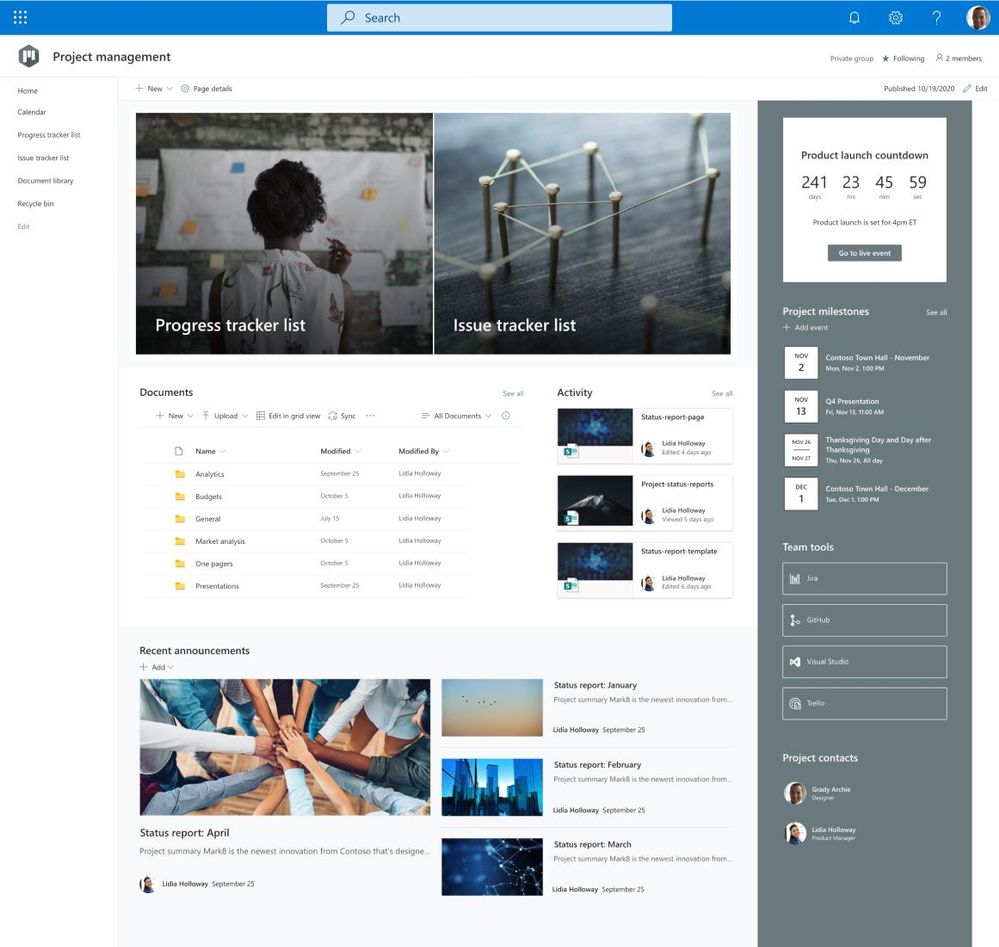 Project management
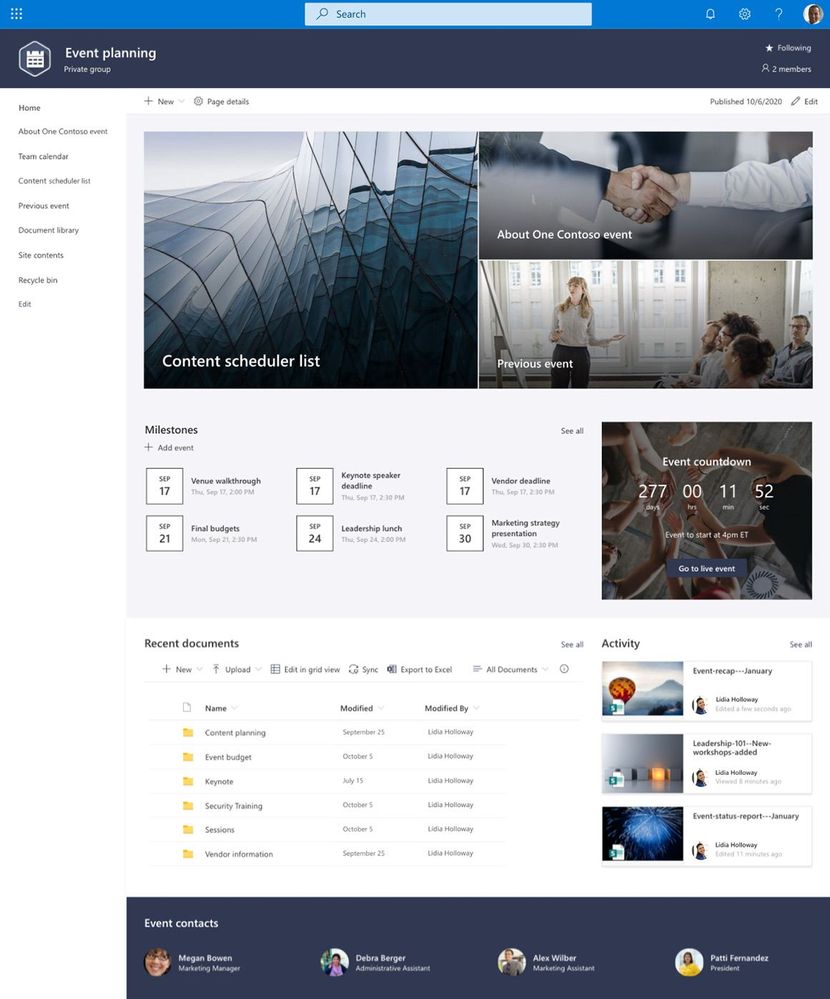 Event planning
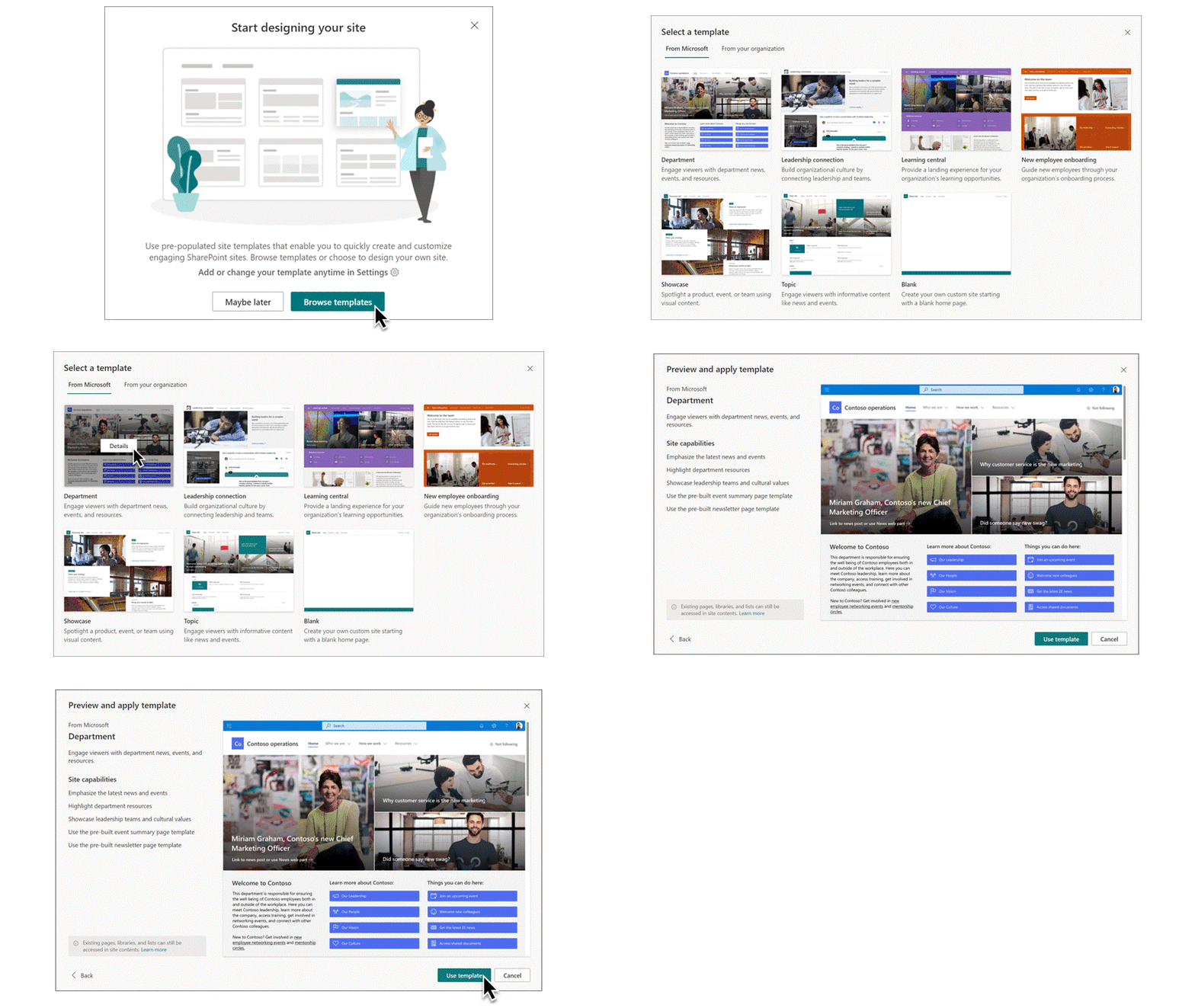
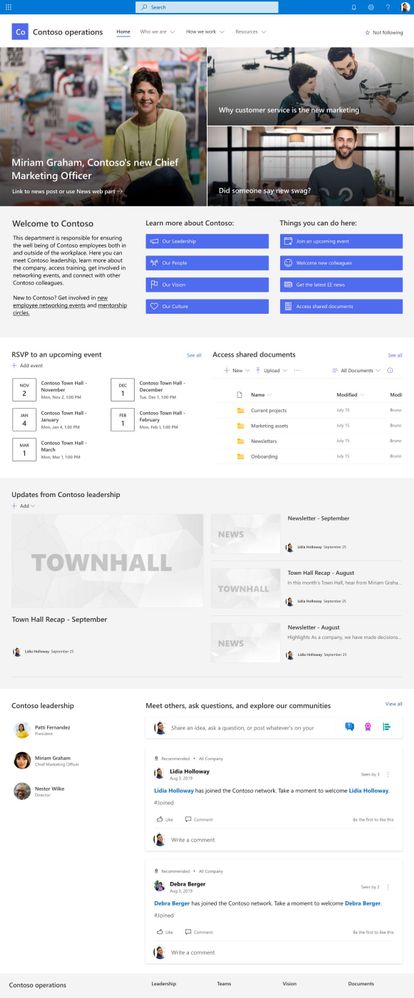 Department
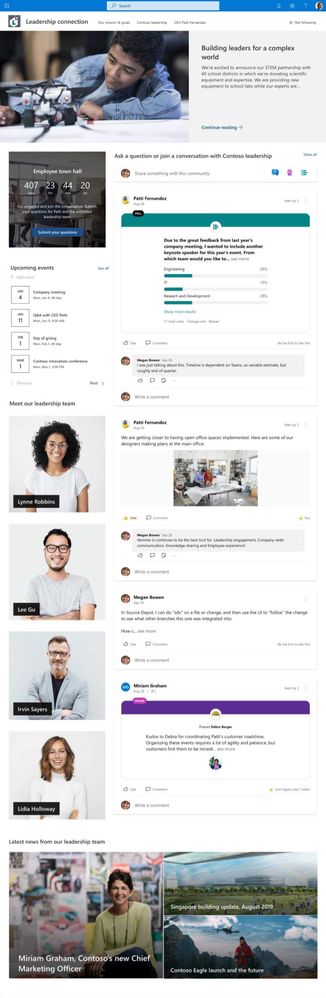 Leadership connection
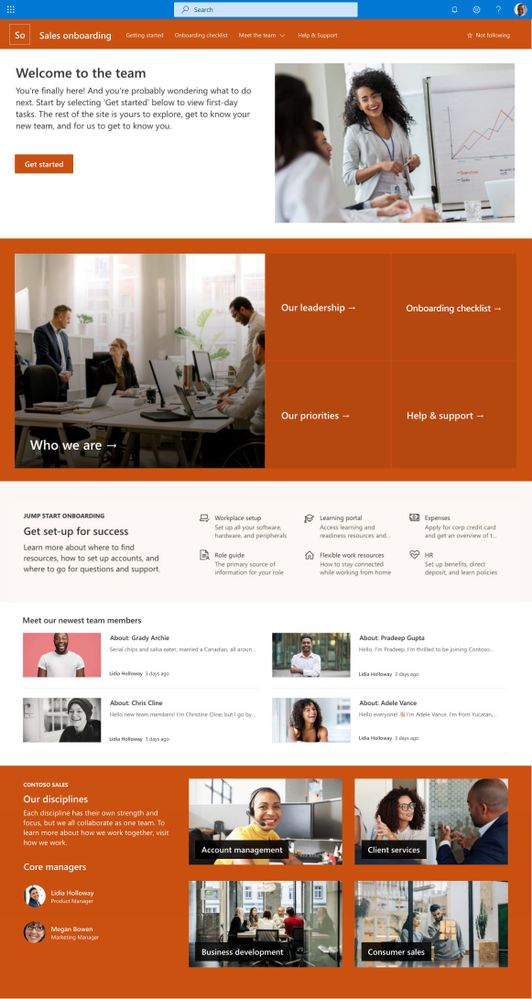 New employee onboarding
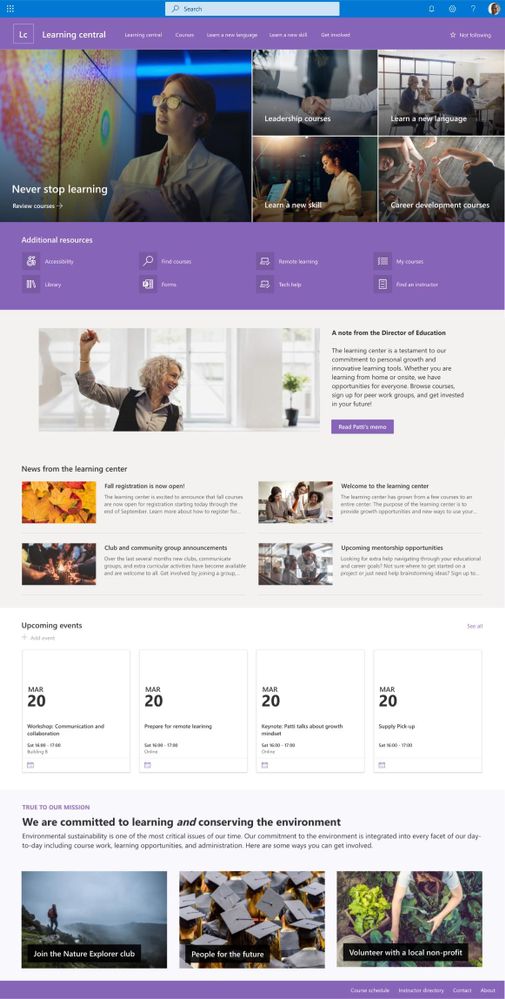 Learning central
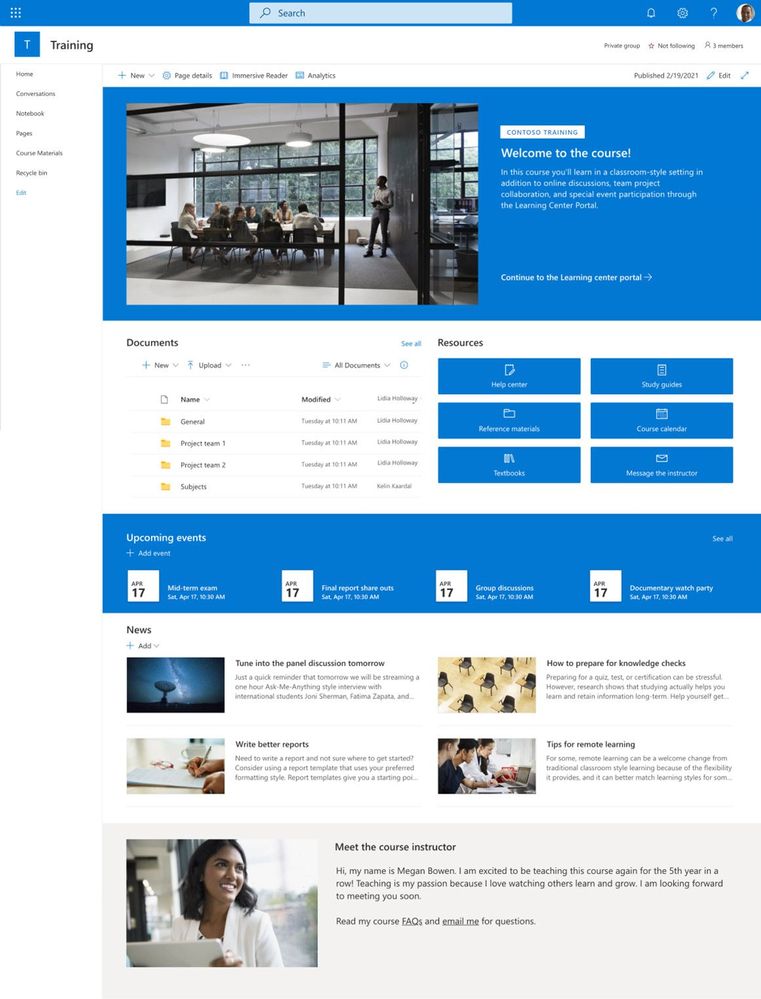 Training and courses
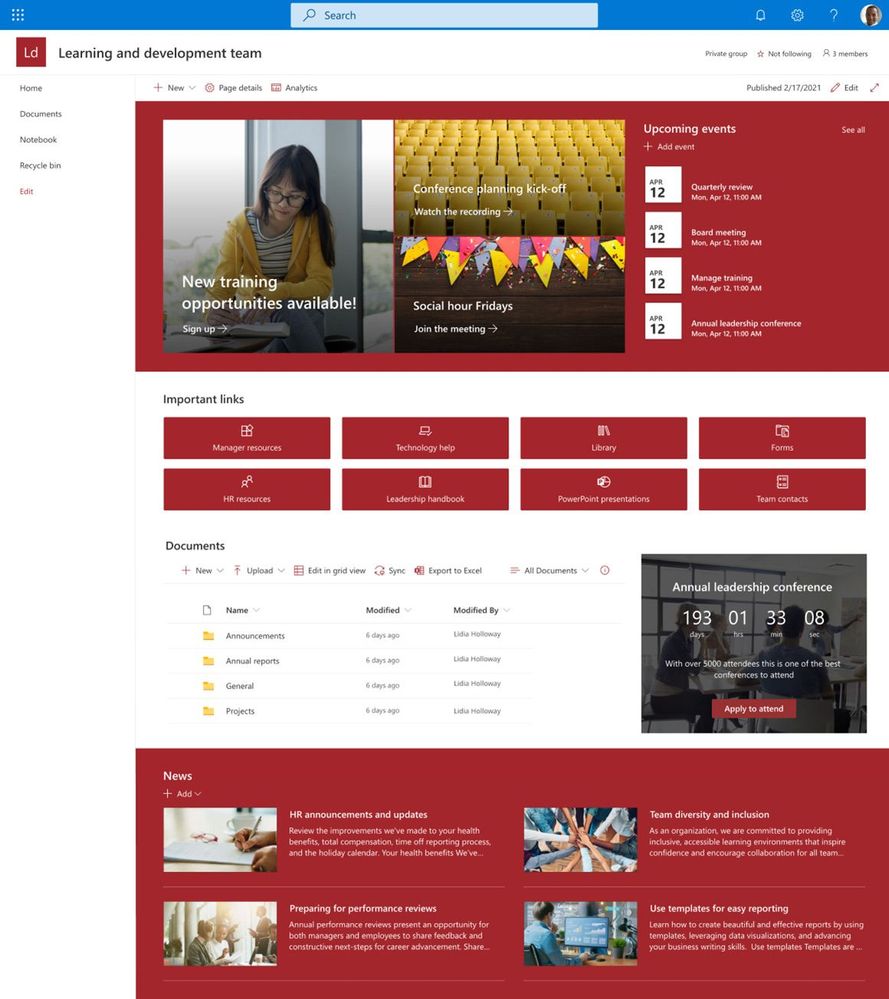 Training and development team


 ) or https:// means you’ve safely connected to the .gov website. Share sensitive information only on official, secure websites.
Recent Comments