by Contributed | Apr 28, 2021 | Technology
This article is contributed. See the original author and article here.
Learn all you can do with Microsoft Lists – Your smart information tracking app in Microsoft 365. Pick your time zone and join a free virtual workshop (happening May 10-14, 2021) to help you become a Microsoft Lists pro!
See how Lists evolve from SharePoint lists to empower individuals and teams to create, share and track information – including innovation in Microsoft Teams, information side-by-side your team conversations. We will teach you how to use and create views, configure conditional formatting, adjust forms and more. Plus, we will highlight extending lists with the integrated Power Platform and answer all frequently, or infrequently, asked questions.
Microsoft Lists virtual workshops, “Go further with Microsoft Lists” – delivered five times across various regions.
Select a virtual workshop in your time zone!
Register today | Submit a question in advance (answered in the time zone you select)
Date & time
|
Target region
|
Presenter(s)
|
Add to calendar (.ics file)
|
Monday, May 10
11:00 AM PT
|
AMER time zone
|
Andrea Lum, Miceile Barrett, and Paul Diamond
|
Save the date (AMER)
|
Tuesday, May 11
9:00 AM IST
|
India (presented in Hindi)
|
Niket Jain, Saurabh Sood, and Bharath Manoj Manda
|
Save the date (India)
|
Wednesday, May 12
10:00 AM CEST
|
EMEA time zone
|
Andrea Lum and Harini Saladi
|
Save the date (EMEA)
|
Thursday, May 13
10:00 AM BRT
|
LATAM time zone
|
Mark Kashman
|
Save the date (LATAM)
|
Friday, May 14
11:30 AM CST
|
APAC time zone
|
Shreyas Sundararaman and Mark Kashman
|
Save the date (APAC)
|
Learn about:
- Creating a list and using ready-made templates.
- Working with Lists in Microsoft Teams.
- Customizing a list that works for you.
- Extend lists with integrated Power Platform.
Why attend?
- Learn | Gain a better understanding of Microsoft Lists and learn how easy it is to create, share, and track lists with anyone on any device.
- Connect | Hear from product experts and ask them questions about how to create and organize lists to track information within your organization.
- Inspire | Adopting what you’ve learned from this workshop to quickly simply your workflow and inspire your colleagues to easily collaborate on Microsoft Lists.
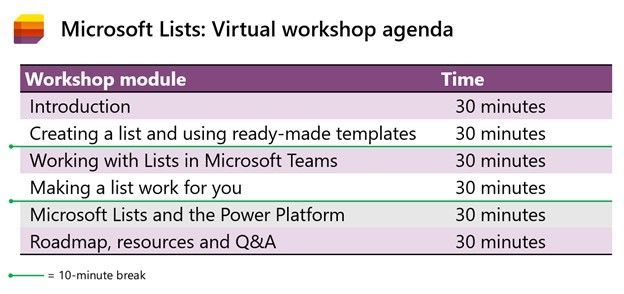 Microsoft Lists virtual workshop proposed agenda (3 hours)
Register | Submit a question in advance (answered in the time zone you select)
Get more done with Microsoft Lists.
Cheers and see you there, Mark Kashman, senior product manager – Microsoft
by Contributed | Apr 28, 2021 | Technology
This article is contributed. See the original author and article here.
Repeated tasks can slow down your efficiency but with Office Scripts in Excel for the web, you can automate your day-today tasks. In just a few simple steps, you can easily create a script and then share with your coworkers to automate your organization’s workflow. While you can use Office Scripts to be more productive at work, we’d like to show how you can use Office Scripts for fun!
To demonstrate the breadth and depth Office Scripts offers (and just for fun), we built a Game of Life simulator. The Game of Life, also known simply as “Life,” is a cellular automaton devised by 1970’s British mathematician, John Horton Conway. It is a zero player game, meaning that its evolution is determined by its initial state, requiring no further input. You simply create, sit back, and watch the evolution unfold.
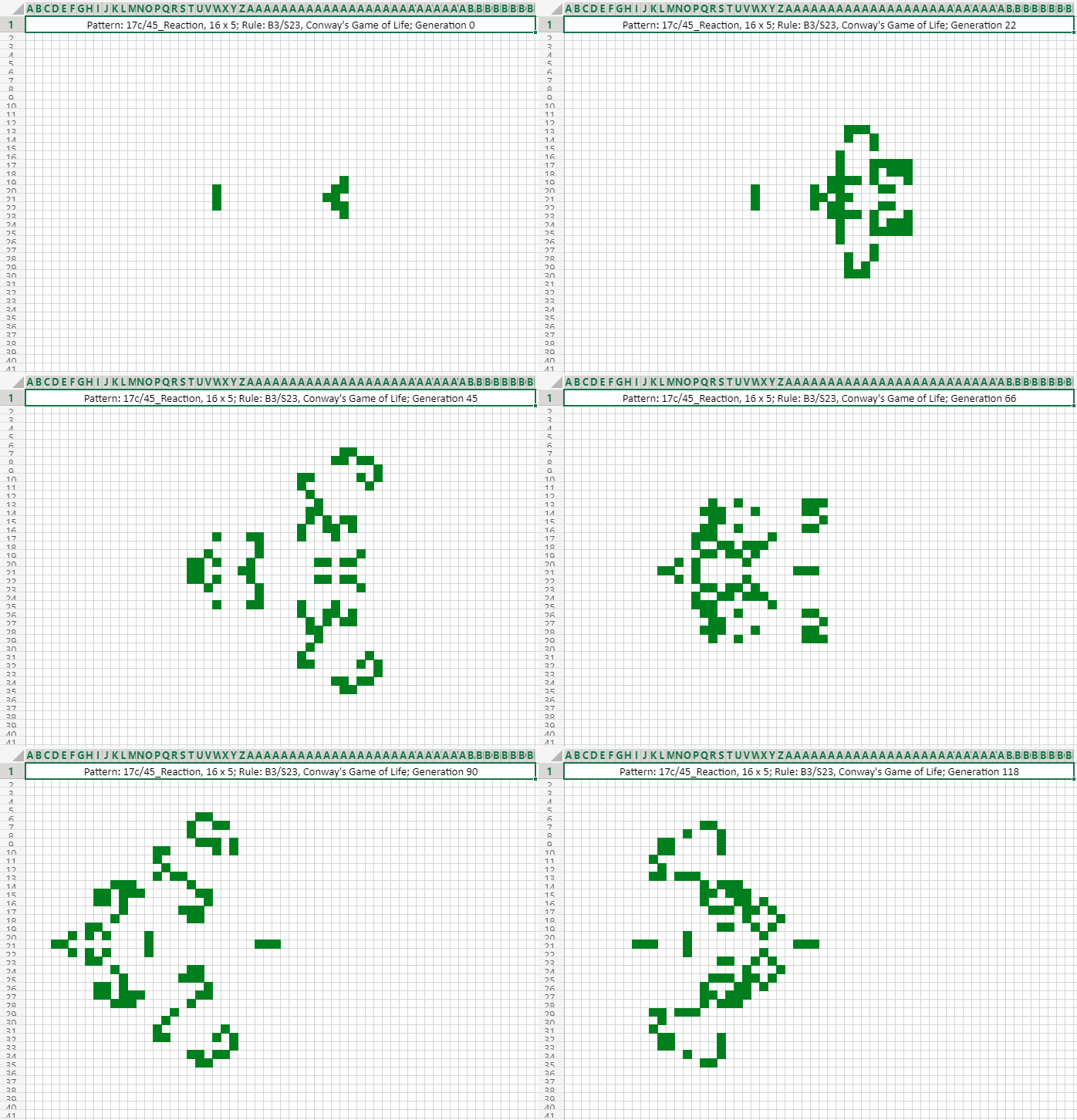
17c/45_Reaction, 16×5 (17c45reaction.rle)
Here are the steps to create your own zero-player game:
Press the “New script” button.
Copy the code from game-of-life.ts and paste into the Code Editor (optionally, rename the script as “Conway’s Game of Life”).
Hit the “Run” button above the code editor.
After a few seconds of churning (downloading the pattern rule and setting up the game board), a small “glider” will come to life and start to travel across the worksheet.
Below are some examples of different Game of Life patterns – note the frame rates have been adjusted for demonstration purposes.
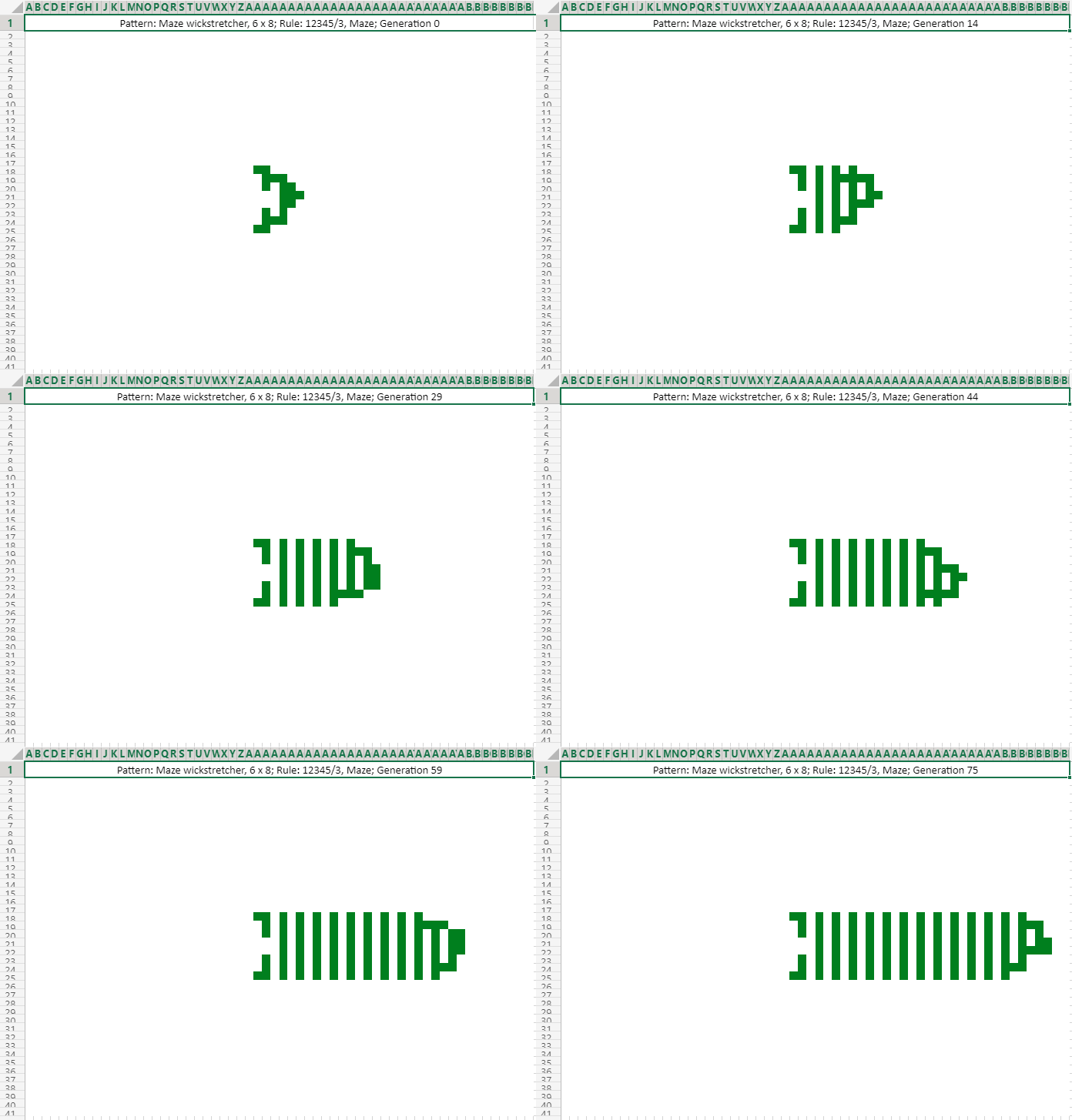 Maze wickstretcher, 6×8 (mazewickstretcher.rle)
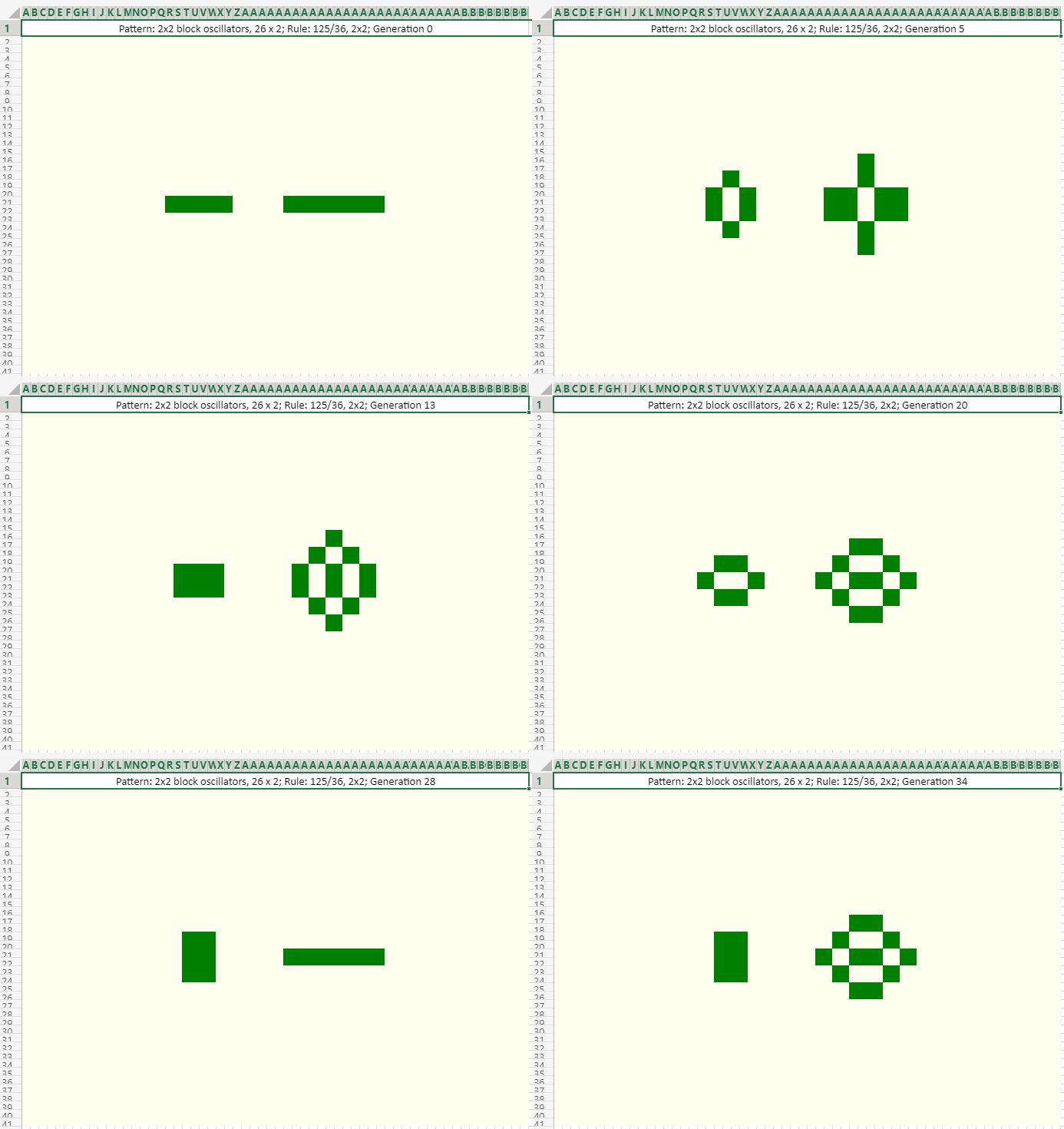 2×2 Block Oscillators, 26×2 (2x2blockoscillators.rle)
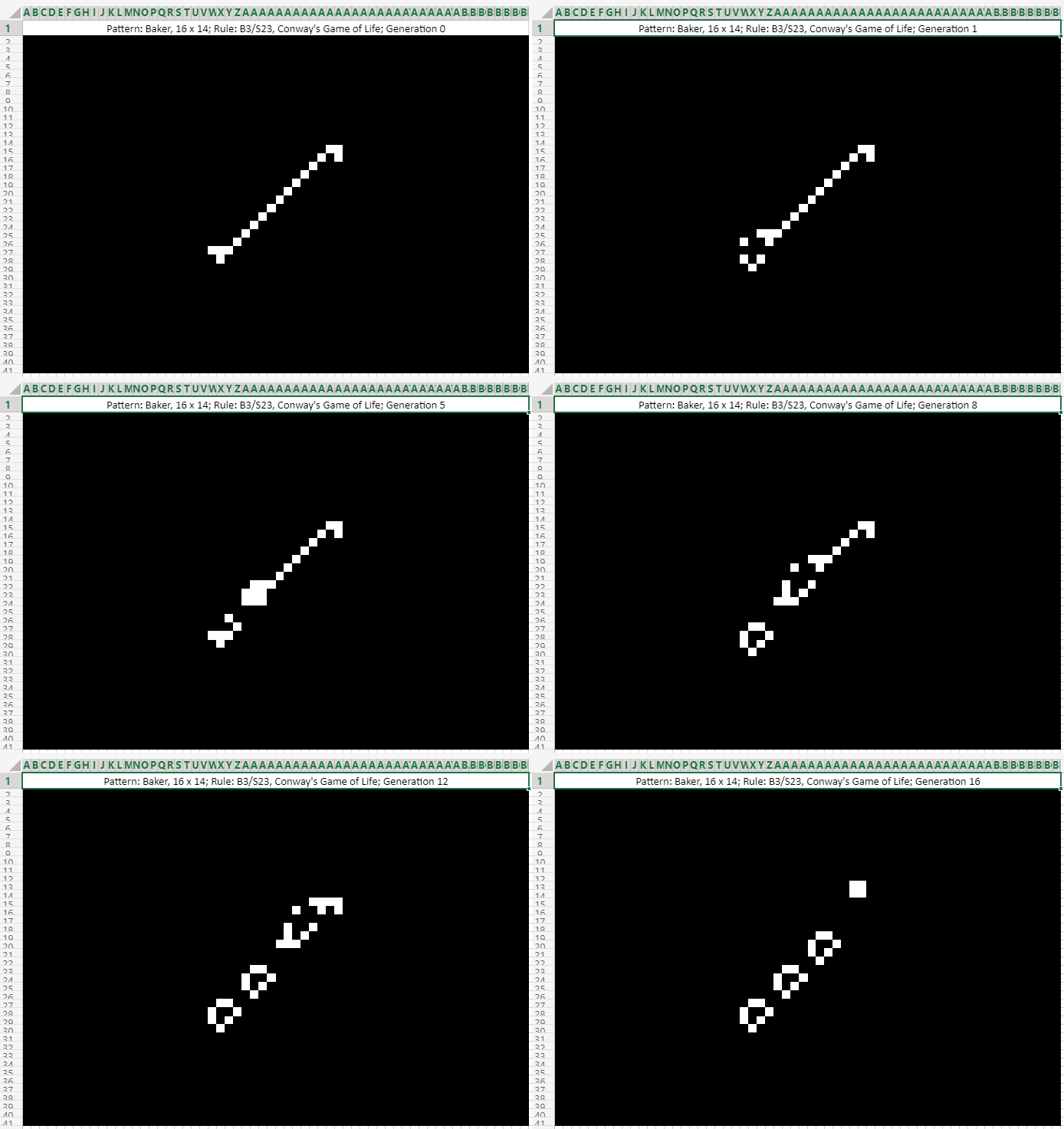 Baker, 16×14 (baker.rle)
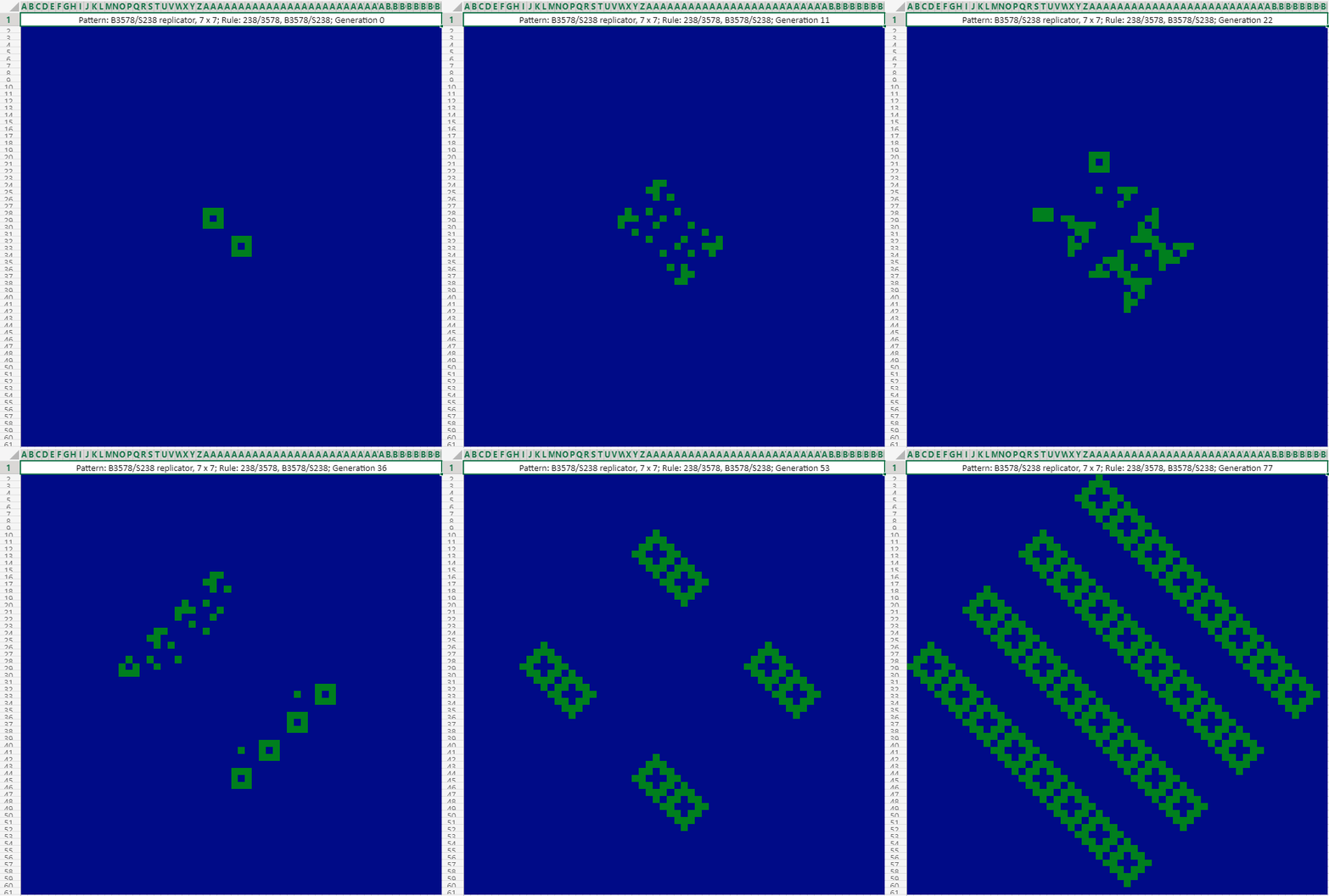 B3578/S238 Replicator, 7×7 (b3578s238replicator.rle)
To learn more about Office Scripts and Game of Life:
We’d love to hear from you and look forward to seeing how you use Office Scripts in your workflows. Happy scripting!
by Contributed | Apr 28, 2021 | Technology
This article is contributed. See the original author and article here.
Pick your time zone and join in. Learn all you can do with Microsoft Lists – your smart information tracking app in Microsoft 365.
See how Lists evolve from SharePoint lists to empower individuals and teams to create, share and track information – including innovation in Microsoft Teams, information side-by-side your team conversations. We will teach you how to use and create views, configure conditional formatting, adjust forms and more. Plus, we will highlight extending lists with the integrated Power Platform and answer all frequently, or infrequently, asked questions.
Get ready to become a Microsoft Lists pro, for free.
Dates: May 10 – 14, 2021 | Pick the virtual workshop closest to your time zone
Register today | Submit a question in advance (answered in the time zone you select)
Microsoft Lists virtual workshops, “Go further with Microsoft Lists” – delivered five times across various regions.
Track what matters most.
Select a virtual workshop in your time zone now!
Date and time
|
Target region
|
Presenter(s)
|
Add to calendar (.ics file)
|
Monday, May 10
11:00 AM PT
|
AMER time zone
|
Andrea Lum, Miceile Barrett, and Paul Diamond
|
Save the date (AMER)
|
Tuesday, May 11
9:00 AM IST
|
India (presented in Hindi)
|
Niket Jain, Saurabh Sood, and Bharath Manoj Manda
|
Save the date (India)
|
Wednesday, May 12
10:00 AM CEST
|
EMEA time zone
|
Andrea Lum and Harini Saladi
|
Save the date (EMEA)
|
Thursday, May 13
10:00 AM BRT
|
LATAM time zone
|
Mark Kashman
|
Save the date (LATAM)
|
Friday, May 14
11:30 AM CST
|
APAC time zone
|
Shreyas Sundararaman and Mark Kashman
|
Save the date (APAC)
|
Register today | Submit a question in advance (answered in the time zone you select)
What you’ll learn
- Creating a list and using ready-made templates.
- Working with Lists in Microsoft Teams.
- Customizing a list that works for you.
- Extend lists with integrated Power Platform.
Why attend?
- Learn | Gain a better understanding of Microsoft Lists and learn how easy it is to create, share, and track lists with anyone on any device.
- Connect | Hear from product experts and ask them questions about how to create and organize lists to track information within your organization.
- Inspire | Adopting what you’ve learned from this workshop to quickly simply your workflow and inspire your colleagues to easily collaborate on Microsoft Lists.
Microsoft Lists virtual workshop proposed agenda (3 hours)
Register today | Submit a question in advance (answered in the time zone you select)
Get more done with Microsoft Lists.
Cheers and see you there, Mark Kashman, senior product manager – Microsoft
by Contributed | Apr 28, 2021 | Technology
This article is contributed. See the original author and article here.
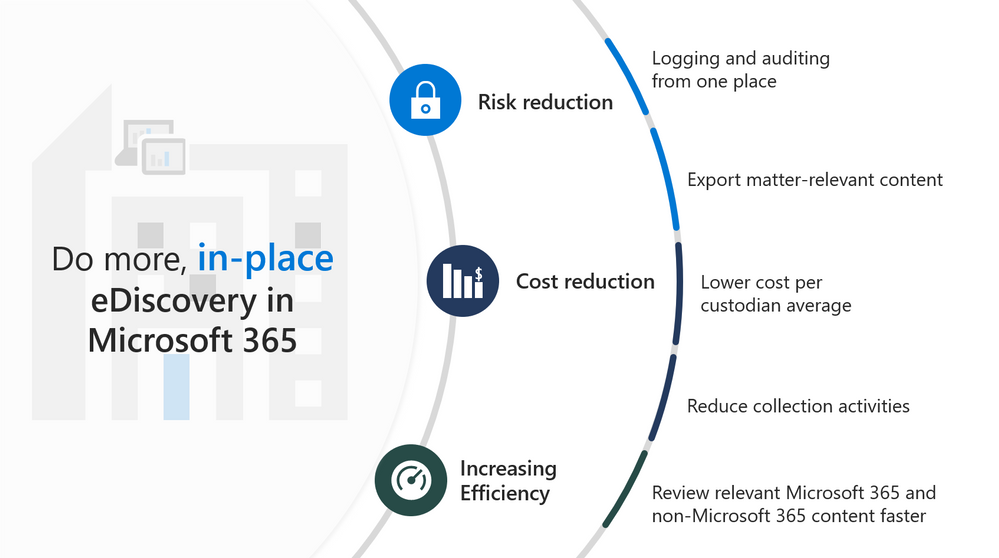
Watch this webinar to learn about what’s new in Advanced eDiscovery, including enhancements to collections and review set, as well as a new predictive coding module. You’ll also learn about what features are coming next in Advanced eDiscovery.
Watch on-demand
Resources:
Overview of the Advanced eDiscovery solution in Microsoft 365 – Microsoft 365 Compliance | Microsoft Docs
Technical Sessions
This webinar was presented on April 7, 2021, and the recording can be found here .
Attached to this post are:
- The FAQ document that summarizes the questions and answers that came up over the course of both webinars.
- A PDF copy of the presentation.
Thanks to those of you who participated during the two sessions and if you haven’t already, don’t forget to check out our resources available on the Tech Community.
Thanks!
@Robin_Baldwin on behalf of the MIP and Compliance CXE team
by Contributed | Apr 28, 2021 | Technology
This article is contributed. See the original author and article here.
Call Summary:
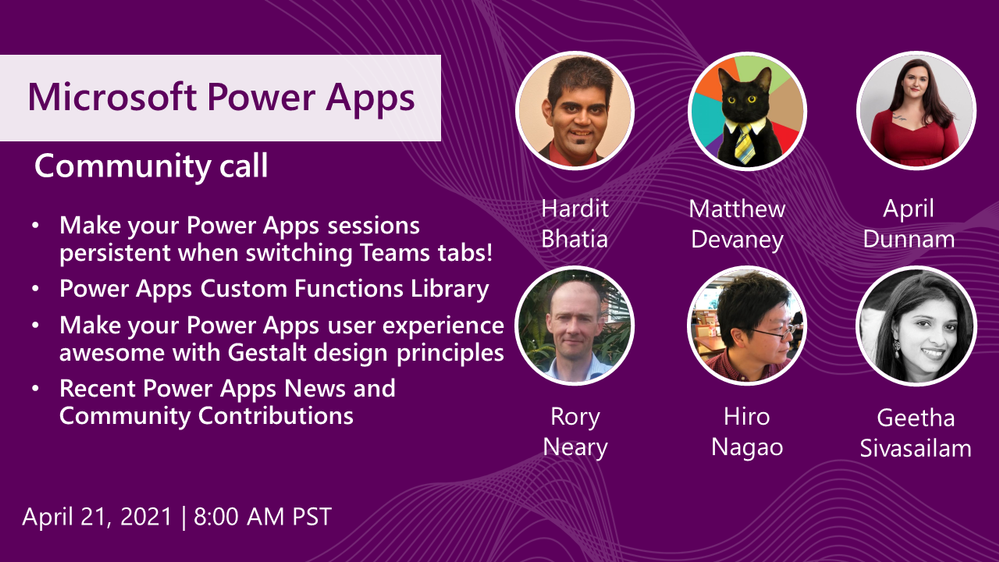
Topics covered in this month’s community call include – Make your Power Apps sessions persistent when switching Microsoft Teams tabs! (Making your Teams mobile and desktop power apps off-line capable), Power Apps Custom Functions Library (sharing your great work – find, use, submit samples), Make your Power Apps user experience awesome with Gestalt design principles (create visually compelling model driven apps), and Recent Power Apps News and Community Contributions. This session included Q&A in chat. The call was hosted by Todd Baginski (Canviz). Demo presenters include Hardit Bhatia, Matthew Devaney, April Dunnam, Hiro Nagao, Geetha Sivasailam, Hugo Bernier, Anton Robbins and Rory Neary. Recorded on April 21, 2021. Thank for attending the call or viewing it on demand.
Demos:
Make your Power Apps sessions persistent when switching Microsoft Teams tabs! – tired of losing data captured in your Microsoft Teams-based Power Apps when you leave the app to respond to a chat message or go to another channel? Learn how to store data and then reload data when restarting your Power App to effectively achieve session data persistence. Hint – make your app off-line capable. Works on desktop too!
Power Apps Custom Functions Library – now that it is possible to create user defined custom functions in Power Apps the DRY principle applies, so let’s share! The custom functions library is the new Power Platform samples repository. Find, use, and submit custom functions, Power app, Power Automate and Power Virtual Agents samples. Not sure where to start? Community contributor training offered at PnP | Sharing Is Caring
Make your Power Apps user experience awesome with Gestalt design principles – how you layout objects in your Power Apps UI is a mixture of art, industry standard, and Gestalt. In Power Apps, objects are in a 2D frame. In this demo, you will understand how and why using Gestalt principles in app design matters in a world where users do not typically read manuals and adoption is largely based on visual perceptions.
Recent News & Cool Stuff:
Actions:
Learn more:
Stay connected:


Recent Comments