
by Scott Muniz | Mar 5, 2021 | Security
This article was originally posted by the FTC. See the original article here.
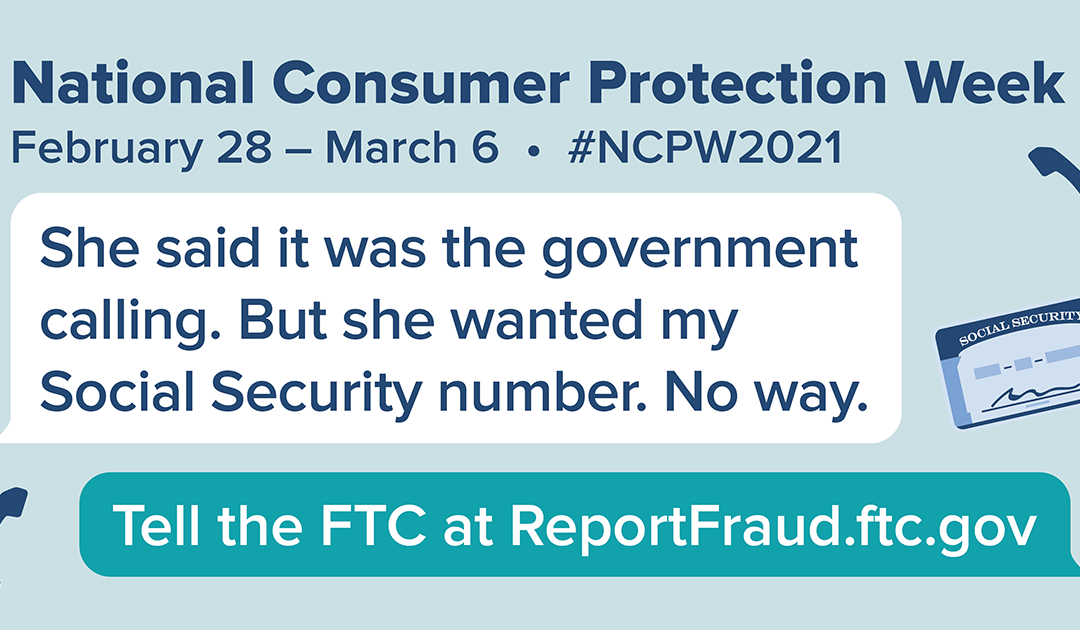
The pandemic has caused financial distress because of lost jobs, income, and homes, and emotional distress because of social isolation. This week, during National Consumer Protection Week (NCPW), we want your help to reach people who might be a bit cut off from their social network. The FTC knows that people who talk about scams are less likely to fall for them, and we hope to spark discussions by offering conversation-starting ideas. To close out NCPW, here are a few ideas to help you and the people you care about spot and avoid a “free prize” con.
Prize and lottery scams can start many ways, but they often begin with an unexpected phone call. The scammers may claim to be from the government. Or an official-sounding organization. They make wild claims about big winnings, and demand payment up front. If you get a call like this, hang up. You probably already know that. But you may know someone who doesn’t. So give a call to someone who might be a bit isolated, who could use a reminder about these scams. Chances are, they would like to hear from you, and have a chance to talk about how things are going and what’s on their mind.
Here are a few tips you can share about prize and lottery scams when you chat:
-
Legitimate contests don’t ask you to pay a fee, or give your bank account or credit card number to get your prize.
-
Never send money by wire transfer, gift card, or cryptocurrency. Anyone who asks you to pay for things that way is a scammer.
-
Don’t trust caller ID. Scammers can make it look like they’re calling from anywhere.
After you talk, invite your friend or relative to call you back if they have questions, or if they get a surprise phone call. If they say they already spotted a scam or sent money, please ask them to report to ReportFraud.ftc.gov. You’re welcome to file report for someone, if they ask for help.
Brought to you by Dr. Ware, Microsoft Office 365 Silver Partner, Charleston SC.
by Scott Muniz | Mar 5, 2021 | Security
This article was originally posted by the FTC. See the original article here.
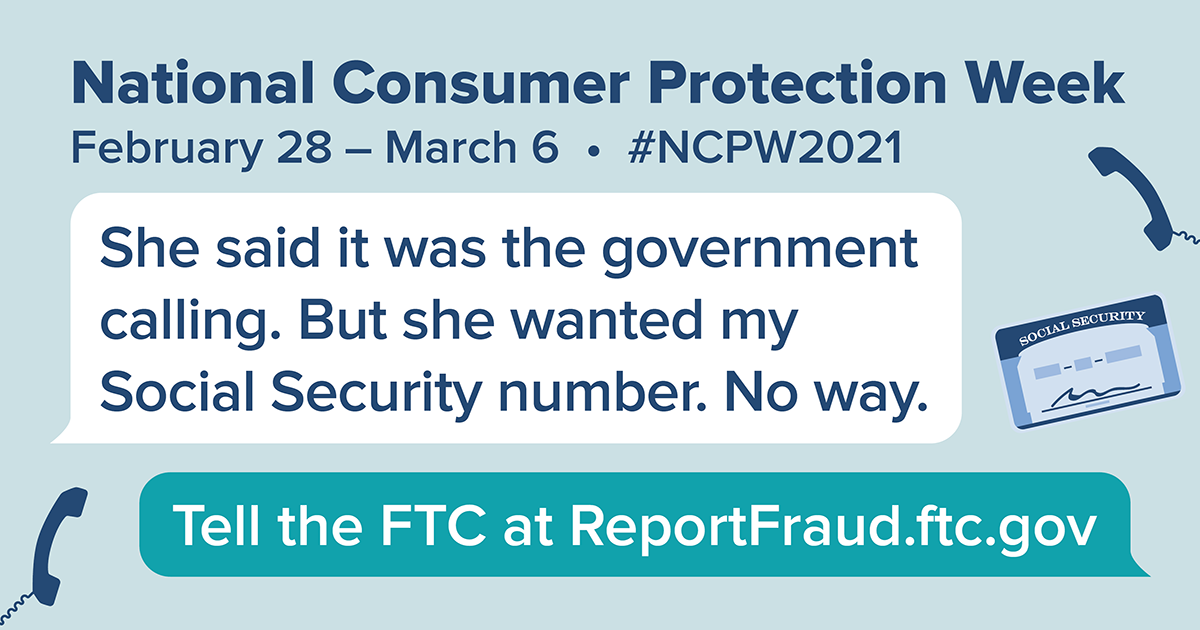
Lots of people are having trouble sleeping, thanks to the pandemic and all the parts of our lives it’s affecting. And it doesn’t help when you get a call saying you owe the government money. Oh, and, they add, you’ll go to jail if you don’t pay up immediately. That’s a scam, and nothing to lose sleep over. For those who are a little more cut off from people than usual, these calls might feel more real and worrying than they are. If you know someone might be cut off from others right now, reach out to them to make sure they know these calls are scams.
Here are some things you might share with them about government imposters.
First, plenty of people have spotted calls, texts, and emails from bogus government officials. In 2020, people reported losing more than $174 million to government imposter scams, with a median loss of $1,250.
Second, you can share a few ways to spot these scammers in the act:
- Don’t trust caller ID. Scammers manipulate caller ID to look like the call is coming from an official government number. Look up the agency’s number yourself, if you’re concerned, and give them a call. But don’t use the number in caller ID.
- Government agencies like the Internal Revenue Service (IRS) or the Social Security Administration (SSA) won’t call, text, or email you out of the blue to demand payment right away.
- Nobody legit will ever tell you to pay with gift cards, money transfers, or cryptocurrency.
- Never share personal information with anyone who contacts you. If you’re worried, look up the government agency’s information yourself to check with them.
Sharing these tips might just help someone you care about sleep a little more soundly. And, of course, if you spot a scammer, talk about it, and then tell the FTC at ReportFraud.ftc.gov. Each report helps protect your community.
This blog post was updated on March 5th, 2021.
Brought to you by Dr. Ware, Microsoft Office 365 Silver Partner, Charleston SC.
by Scott Muniz | Mar 5, 2021 | Security
This article was originally posted by the FTC. See the original article here.
If you used MoneyGram to send money to a scammer between January 1, 2013 and December 31, 2017, you may get a prefilled claim form in the mail soon. The claim forms, from claims administrator Gilardi & Co. LLC, are the first step in distributing money from the $125 million settlement with the FTC in 2018. In that case, the FTC and US Department of Justice (DOJ) charged that MoneyGram failed to meet agreements to crack down on consumer fraud involving money transfers.
You must return the claim form within 90 days
from the date on the form to be eligible for a refund.
These prefilled claim forms show eligible dollar loss amounts that are based on fraud reports people filed with MoneyGram and law enforcement. If you get a form and agree with the dollar loss amount shown:
- sign and date the form
- fill out the information the form asks for
- mail it back in the return envelope that came with the letter
If you get a form but don’t agree with the dollar loss amount shown:
- sign and date the form
- fill out the information the form asks for
- mail it back with copies of documents that back up the amount you claim. You can send copies of MoneyGram receipts, “send” forms, or transaction history reports with a listed eight-digit money transfer control number (MTCN). You can request a transaction history report on the MoneyGram website.
The claim form requires you to give your Social Security number (SSN). That’s because the federal Treasury Offset Program must find out whether you owe money to the US government before you can get a payment. It needs your SSN to do that.
You don’t have to pay to file your claim. You don’t need a lawyer to file a claim. Don’t pay anyone who contacts you and says they’ll help you file, or help you get your money back.
On June 1, 2021, people who didn’t get a prefilled form can start filing claims online at moneygramremission.com. When you file a claim online, you have to give a MoneyGram MTCN. Or, you will be able to print the claim form and mail it in with copies of MoneyGram receipts, “send” forms, and transaction history reports. If you plan to file in June, you can start to collect — and make copies of — your receipts and other paperwork now. Once that process opens, the deadline to file a claim is August 31, 2021.
For more information about eligibility, the claims process, and other topics, go to ftc.gov/moneygram and moneygramremission.com.
Brought to you by Dr. Ware, Microsoft Office 365 Silver Partner, Charleston SC.
by Scott Muniz | Mar 4, 2021 | Security, Technology
This article is contributed. See the original author and article here.
CISA is aware of threat actors using open source tools to search for vulnerable Microsoft Exchange Servers and advises entities to investigate for signs of a compromise from at least September 1, 2020. CISA has updated the Alert on the Microsoft Exchange server vulnerabilities with additional detailed mitigations.
CISA encourages administrators to review the updated Alert and the Microsoft Security Update and apply the necessary updates as soon as possible or disconnect vulnerable Exchange servers from the internet until the necessary patch is made available.
by Scott Muniz | Mar 4, 2021 | Security, Technology
This article is contributed. See the original author and article here.
The National Security Agency (NSA) and CISA have released a Joint Cybersecurity Information (CSI) sheet with guidance on selecting a protective Domain Name System (PDNS) service as a key defense against malicious cyber activity. Protective DNS can greatly reduce the effectiveness of ransomware, phishing, botnet, and malware campaigns by blocking known-malicious domains. Additionally organizations can use DNS query logs for incident response and threat hunting activities.
CISA encourages users and administrators to consider the benefits of using a protective DNS service and review NSA and CISA’s CSI sheet on Selecting a Protective DNS Service for more information.
by Scott Muniz | Mar 4, 2021 | Security
This article was originally posted by the FTC. See the original article here.
In 2015, the FTC and state partners
sued and shut down four sham charities that harassed millions of people with more than 1.3 billion illegal robocalls about donating to charity. The FTC and 46 charity state regulators from 38 states and the District of Columbia are holding the fundraisers that made those illegal calls accountable in a
lawsuit announced today.
According to the FTC, Associated Community Services (and some related companies and individuals) called more than 67 million people using illegal pre-recorded messages. Those messages falsely claimed the money would go to support breast cancer patients, the families of children with cancer, homeless veterans, and other people in need. In reality, the FTC says that almost none of the more than $110 million donated between 2016 and 2018 went to help those causes.
The next time you get a call with a pre-recorded message from charity fundraisers, remember these tips:
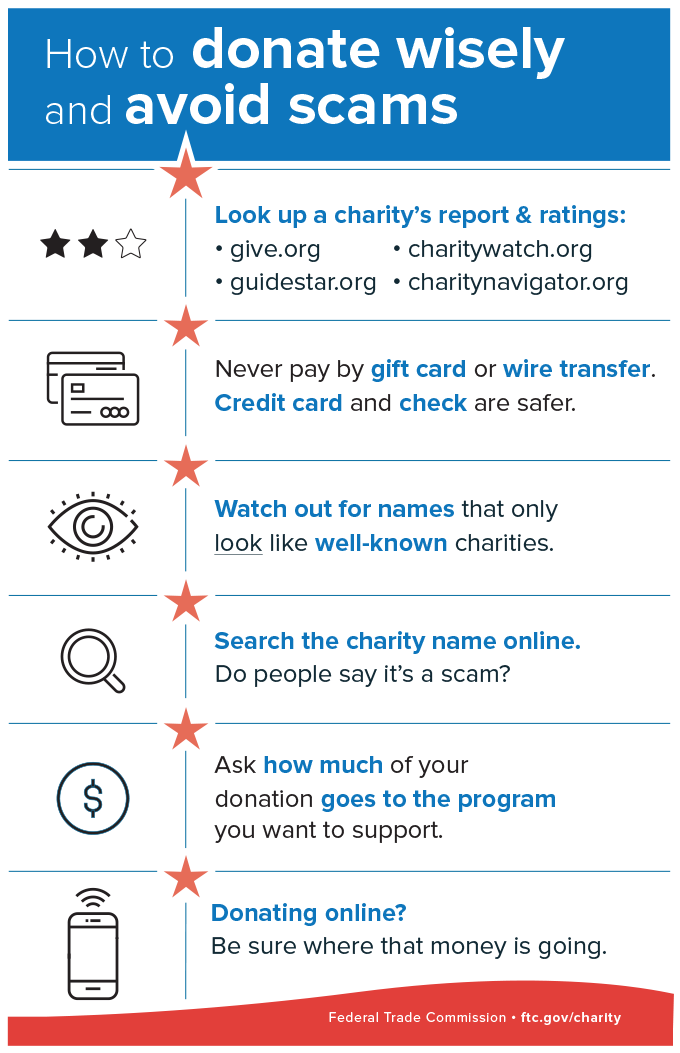
- Don’t trust your caller ID. Dishonest fundraisers can make calls look like they’re from your local area code to get you to answer.
- Hang up if you get a robocall with a pre-recorded message from a charity you don’t know. It’s illegal for a charity to call you with pre-recorded messages, unless you’ve donated to them before. In that case, the caller must tell you that you can opt out of future calls and give you a way to do that.
- Don’t be rushed. A legitimate charity won’t pressure you and will take your donation at any time.
- Ask questions. Ask the fundraiser for the charity’s exact name, web address, and mailing address, so you can confirm it later. And ask exactly how much of your donated dollars will be spent on the charitable cause.
Brought to you by Dr. Ware, Microsoft Office 365 Silver Partner, Charleston SC.




Recent Comments