
Security Alerts For Synapse Analytics In Azure Security Center
This article is contributed. See the original author and article here.
What do you do when you receive alert message in Azure Security Center?
You can find details about Advanced Threat Protection alerts in following reference document.
https://docs.microsoft.com/en-us/azure/security-center/threat-protection
Following are list of alerts
https://docs.microsoft.com/en-us/azure/security-center/alerts-reference#alerts-sql-db-and-warehouse
Background
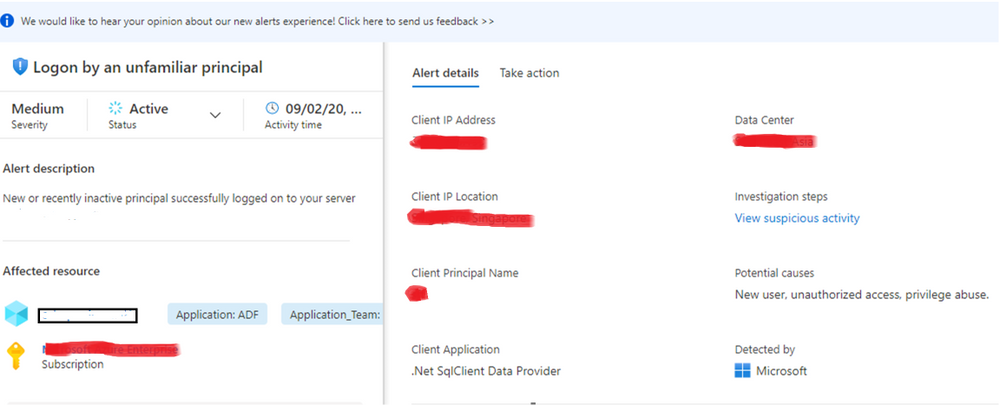
Azure threat detection is a feature that monitors detects anomalous activities such as unusual successful logins and warns if an unknown or new client IP address is used. Login warning will generate an email and appear on the DW instance Portal. The unfamiliar login feature uses a two month sliding window looking for unknown IPs. When a new IP is found, the warning email and portal threat is generated. The minimal learning period on a new instance, before the first alert is 14 days.
- For alerts e.g. Log on by an unfamiliar principal, Log on from an unusual Azure Data Center, Log on from an unusual location, Potential SQL Brute Force attempt

Following are some mitigation steps to investigate the access and block it, if it is unauthorized.
- You can take immediate action by changing the account password or blocking the IP via the DW server’s firewall rules. However, this may not be the ideal step if IP address is from azure services or recently configured IP, this may block the service. Azure IP addresses keep frequently changes for security reason. You can get information from following URL.
https://www.microsoft.com/en-us/download/details.aspx?id=41653
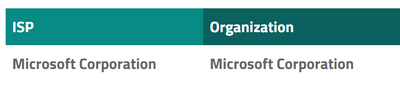
- If the you don’t recognize the IP address, you should check the ISP that owns the IP address via any tool which is allowed to use in your organization. e.g. you can get information of as follows.
- If the IP address is still unknown, the you can enable Audit Logging, to see the details about queries that IP is submitting. Ref document https://docs.microsoft.com/en-us/azure/sql-data-warehouse/sql-data-warehouse-auditing-overview
- If a threat is found, changing the password is required, in addition to adding more restrictive via firewall rules.
- For alerts e.g. A possible vulnerability to SQL Injection, Potential SQL injection.
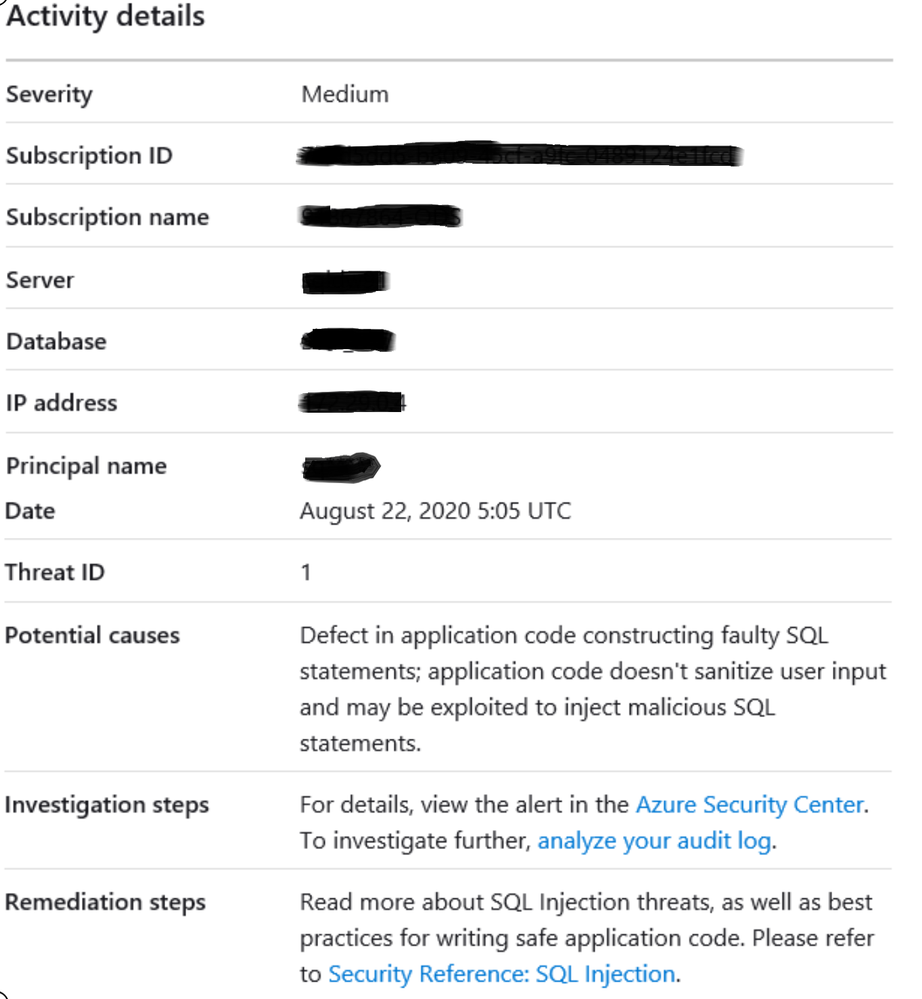
Following are some steps to investigate which will be helpful to mitigate the alert.
- You can review auditing logs to understand which query was executed from that IP
- Check the queries which were executed near to the time of the alert with query text that appears as parse error.
- Application name is displayed in alert, review the code that can cause SQL injection.

Recent Comments