by Scott Muniz | Apr 22, 2021 | Security, Technology
This article is contributed. See the original author and article here.
This Alert uses the MITRE Adversarial Tactics, Techniques, and Common Knowledge (ATT&CK®) framework. See the ATT&CK for Enterprise framework for all referenced threat actor techniques.
The Cybersecurity and Infrastructure Security Agency (CISA) recently responded to an advanced persistent threat (APT) actor’s long-term compromise of an entity’s enterprise network, which began in at least March 2020. The threat actor connected to the entity’s network via a Pulse Secure virtual private network (VPN) appliance, moved laterally to its SolarWinds Orion server, installed malware referred to by security researchers as SUPERNOVA (a .NET webshell), and collected credentials.
SUPERNOVA is a malicious webshell backdoor that allows a remote operator to dynamically inject C# source code into a web portal to subsequently inject code. APT actors use SUPERNOVA to perform reconnaissance, conduct domain mapping, and steal sensitive information and credentials. (Note: for more information on SUPERNOVA, refer to Malware Analysis Report MAR-10319053-1.v1 – SUPERNOVA.) According to a SolarWinds advisory, SUPERNOVA is not embedded within the Orion platform as a supply chain attack; rather, an attacker places it directly on a system that hosts SolarWinds Orion, and it is designed to appear as part of the SolarWinds product.[1] CISA assesses this is a separate actor than the APT actor responsible for the SolarWinds supply chain compromise described in Alert AA20-352A: Advanced Persistent Threat Compromise of Government Agencies, Critical Infrastructure, and Private Sector Organizations. Organizations that find SUPERNOVA on their SolarWinds installations should treat this incident as a separate attack.
This report provides tactics, techniques, and procedures (TTPs) CISA observed during an incident response engagement. (Note: this threat actor targeted multiple entities in the same period; some information in this Analysis Report is informed by other related incident response engagements and CISA’s public and private sector partners.) This APT actor has used opportunistic tradecraft, and much is still unknown about its TTPs.
For a downloadable copy of indicators of compromise (IOCs) associated with this malware, see AR21-112A.stix and Malware Analysis Report MAR-10319053-1.v1.stix.
From at least March 2020 through February 2021, the threat actor connected to the entity via the entity’s Pulse Secure VPN appliance (External Remote Services [T1133]). The threat actor connected via the U.S.-based residential IP addresses listed below, which allowed them to masquerade as teleworking employees. (Note: these IP addresses belong to routers that are all similar models; based on this activity, CISA suspects that these routers were likely exploited by the threat actor.)
by Scott Muniz | Apr 22, 2021 | Security, Technology
This article is contributed. See the original author and article here.
Drupal has released security updates to address a vulnerability affecting Drupal 7, 8.9, 9.0, and 9.1. An attacker could exploit this vulnerability to take control of an affected system.
CISA encourages users and administrators to review Drupal Advisory SA-CORE-2021-002 and apply the necessary updates or mitigations.

by Contributed | Apr 22, 2021 | Technology
This article is contributed. See the original author and article here.
Join @Karuana Gatimu, @Josh Leporati , @Matt Wolodarsky, and @Ryan McKinney for this month’s community call where we will continue with our every 4th Tuesday of the month schedule, occurring on April 27th! Join us at either 8:00 AM or 5:00 PM PT.
We will be covering topics around the Viva platform and new resources for the Hybird Workplace like SharePoint templates and end user training modules.
If you have not yet joined our champion community, signup here to get the resource links that contain access to the call calendar, invites, program assets, and previous calls!
http://aka.ms/m365champions
We look forward to seeing you there!
/Josh
by Contributed | Apr 22, 2021 | Technology
This article is contributed. See the original author and article here.
Final Update: Thursday, 22 April 2021 08:47 UTC
We’ve confirmed that all systems are back to normal with no customer impact as of 04/22, 08:45 UTC. Our logs show the incident started on 04/22, 07:00 UTC and that during the 1 hour and 45 minutes that it took to resolve the issue some customers may have experienced issues with missed or delayed Log Search Alerts in USGov Virginia region.
Root Cause: The failure was due to configuration changes.
- Incident Timeline: 1 Hour & 45 minutes – 04/22, 07:00 UTC through 04/22, 08:45 UTC
We understand that customers rely on Log Search Alerts as a critical service and apologize for any impact this incident caused.
-Mohini
by Contributed | Apr 22, 2021 | Technology
This article is contributed. See the original author and article here.
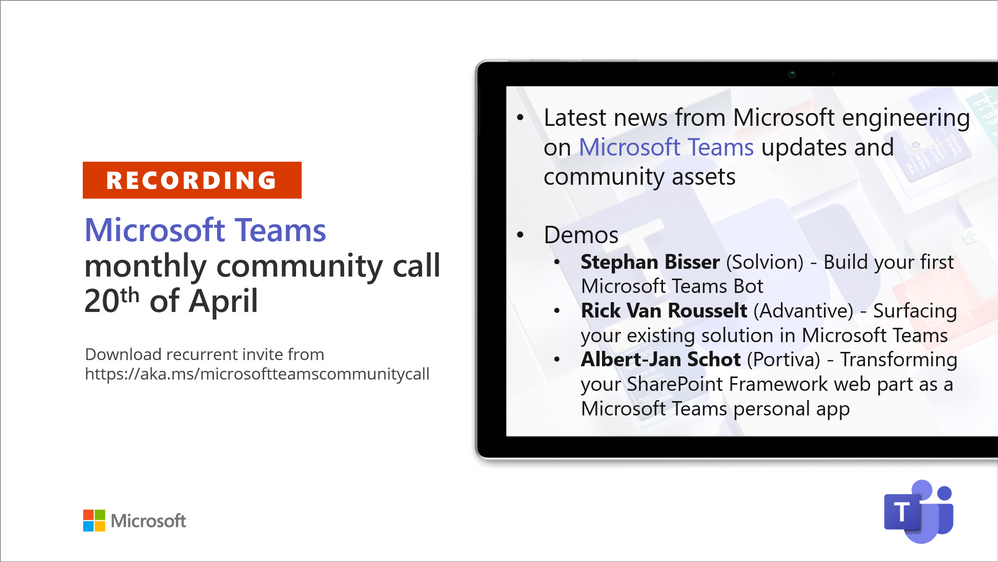
Recording of the Microsoft Teams monthly community call from April 20, 2021.
Call Summary
Latest news from Microsoft engineering on Microsoft Teams updates and community assets.
Visit the Microsoft Teams samples gallery to get started with Microsoft Teams development, hear and see the new Microsoft 365 Extensibility look book gallery co-developed by Microsoft Teams and Sharepoint engineering. Quick demo of the Extensibility look book at Microsoft Adoption site >> Solutions>>Extensibility look book. Select a Product, Type of app or Scenario. To see the Microsoft 365 extensibility options for your selection. Download showcase apps, samples and documentation. Register now for April trainings on Sharing-is-caring. Give us feedback, the Microsoft 365 developer community survey is now open. Download articles 1 and 2 of a 3-part series of articles called: “Build quality Microsoft Teams apps with these best practices.” Get the Microsoft Teams Toolkit (Controls) – “Designing your Microsoft Teams app” with layout guidance and reusable assets. The host of this call was Vesa Juvonen (Microsoft) | @vesajuvonen. Q&A takes place in chat throughout the call.
Actions:
- Complete the Microsoft 365 Developer Community Survey – https://aka.ms/m365pnp/survey
- Register for Sharing is Caring Events:
- First Time Contributor Session – April 27th (EMEA, APAC & US friendly times available)
- Community Docs Session – April
- PnP – SPFx Developer Workstation Setup – April 29th
- PnP SPFx Samples – Solving SPFx version differences using Node Version Manager – May TBD
- AMA (Ask Me Anything) – May 2021 – Tech Community – May 11th
- First Time Presenter – May TBD
- More than Code with VSCode – April 28th
- Maturity Model Practitioners – May TBD
- PnP Office Hours – 1:1 session – Register
- Download the recurrent invite for this call – https://aka.ms/microsoftteamscommunitycall
- Call attention to your great work by using the #PnPWeekly on Twitter.
Microsoft Teams Development Samples: (https://aka.ms/TeamsSampleBrowser)
It’s all about Community – Hello Microsoft Teams community!
Demos delivered in this session
Build your first Microsoft Teams Bot – Bots are used for Chat, Messaging Extensions, Task Modules, and more. 3 options for building Bots – Bot Framework SDK, Bot Framework Composer, and Power Virtual Agents. Same technology behind scenes, just matter of abstraction and options for extensibility. The recommended low code and very extensible option with templates containing triggers and dialogs for Microsoft Teams is Composer. Tour latest capabilities, install and configure.
Surfacing your existing solution in Microsoft Teams – if you have web-based apps, they can be surfaced in Microsoft Teams tab (iFrame). Security options – protection built into your app and external access control by Teams. Add apps on Personal (static) or Group (Teams aware static) tabs after adding app to App Studio. Build tips: Make your app Teams aware, use different contentUrl and websiteUrl, use responsive apps, use simple app navigation.
Transforming your SharePoint Framework web part as a Microsoft Teams personal app – easily extend Teams by embedding client-side SPFx web parts or personal applications (not Teams applications) in Teams tabs. Requires running SPFx v1.8 or later and execution is in the context of the SPO site behind the Team. No coding, no hosting, no Azure registration, just package and deploy. Step through app creation using SharePoint generator, create a Teams tab, add it to a Team.
Thank you for your work. Samples are often showcased in Demos.
Topics covered in this call
- Tour the Microsoft 365 Extensibility look book gallery – 5:20
- Latest News – Vesa Juvonen (Microsoft) | @vesajuvonen – 9:07
- Demo: Build your first Microsoft Teams Bot – Stephan Bisser (Solvion) | @stephanbisser – 11:53
Demo: Surfacing your existing solution in Microsoft Teams – Rick Van Rousselt (Advantive) | @RickVanRousselt – 27:48
Demo: Transforming your SharePoint Framework web part as a Microsoft Teams personal app – Albert-Jan Schot (Portiva) | @appieschot – 43:20
Resources:
Additional resources around the covered topics and links from the slides.
General resources:
Upcoming Calls | Recurrent Invites:
Microsoft Teams monthly community calls are targeted at anyone who’s interested in Microsoft Teams development topics. This includes Microsoft Teams, Bots, App templates, Samples, and more. Details on the Microsoft 365 community from http://aka.ms/m365pnp. We also welcome community demos, if you are interested in doing a live demo in these calls!
You can download recurrent invite from https://aka.ms/microsoftteamscommunitycall. Welcome and join in the discussion. If you have any questions, comments, or feedback, feel free to provide your input as comments to this post as well. More details on the Microsoft 365 community and options to get involved are available from http://aka.ms/m365pnp.
“Sharing is caring”
Microsoft 365 PnP team, Microsoft – 21st of April 2021


Recent Comments