
SharePoint Framework Community Call – 17th of June, 2021
This article is contributed. See the original author and article here.
SharePoint Framework Special Interest Group (SIG) bi-weekly community call recording from June 17th is now available from the Microsoft 365 Community YouTube channel at http://aka.ms/m365pnp-videos. You can use SharePoint Framework for building solutions for Microsoft Teams and for SharePoint Online.
Call summary:
Summer break and community call schedule updates reviewed. Register now for June trainings on Sharing-is-caring. You are invited to join the Viva Connections private preview! Update on SharePoint Framework v1.13.0 features – extensibility options with Viva Connections, Teams improvements, tooling updates, Store modernization and more. Released PnPjs for Client-side Libraries v2.6.0, CLI for Microsoft 365 v3.11.0 Beta, and PnP Modern Search v4.2.3 & v3.20.0. Microsoft Teams Toolkit for Visual Studio & Visual Studio Code now available for preview.
There were four PnP SPFx samples (2 extensions and 2 web parts) delivered in last 2 weeks. Great work!
Latest project updates include: (Bold indicates update from previous report 2 weeks ago)
| PnP Project | Current version | Release/Status |
| SharePoint Framework (SPFx) | v1.12.1 | v1.13.0 Preview in summer |
| PnPjs Client-Side Libraries | v2.6.0 | v3.0.0 developments underway |
| CLI for Microsoft 365 | v3.11.0 Beta | v3.10.0 preview released |
| Reusable SPFx React Controls | v2.7.0 (SPFx v1.11), v3.1.0 (SPFx v1.12.1) | |
| Reusable SPFx React Property Controls | v2.6.0 (SPFx v1.11), v3.1.0 (SPFx v1.12.1) | |
| PnP SPFx Generator | v1.16.0 | Angular 11 support |
| PnP Modern Search | v4.2.3 & v3.20.0 |
The host of this call is Vesa Juvonen (Microsoft) @vesajuvonen. Q&A takes place in chat throughout the call.
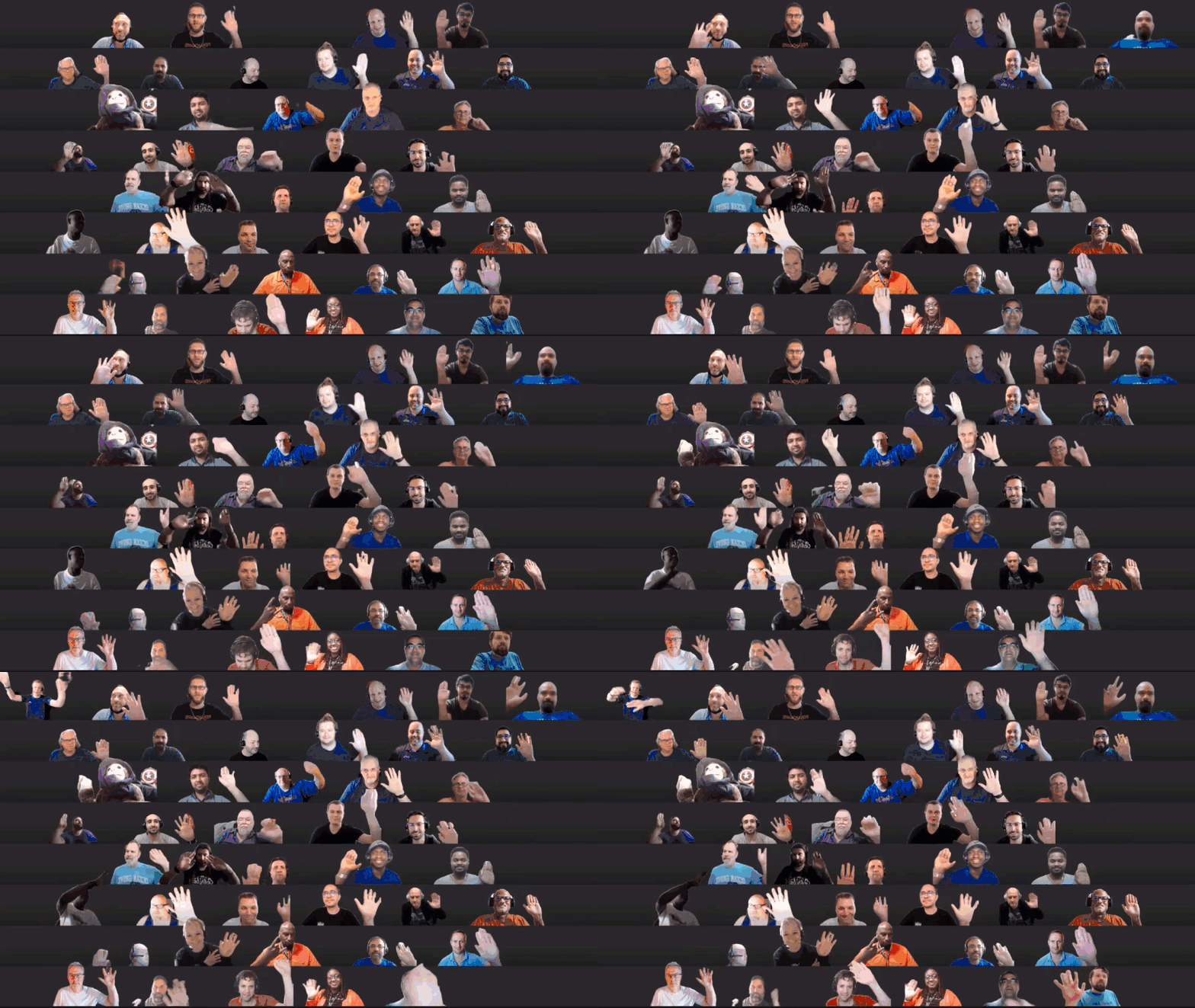
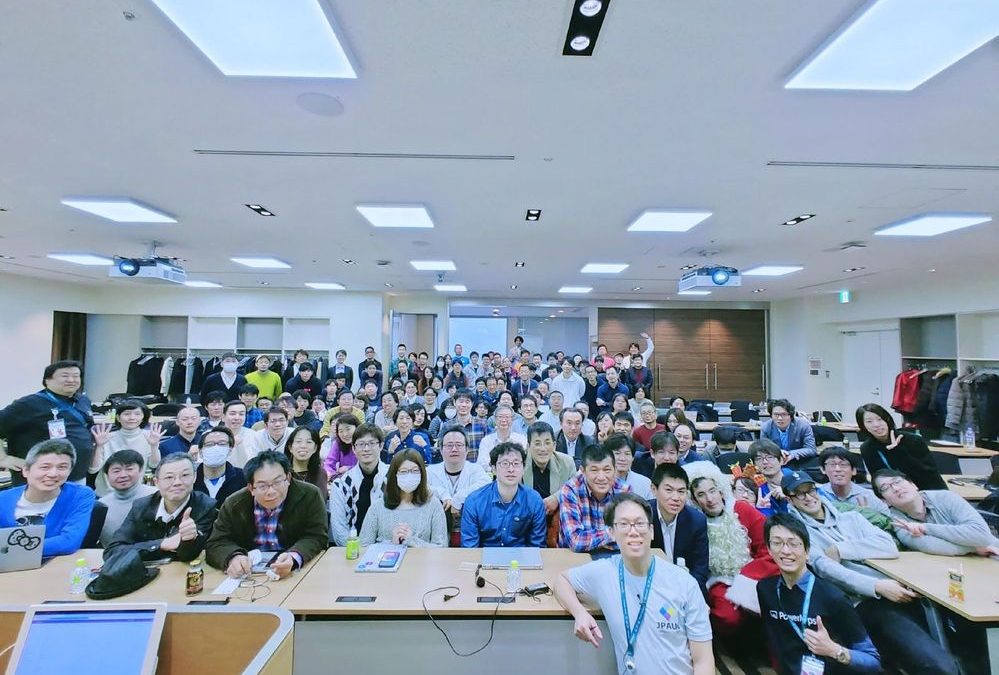
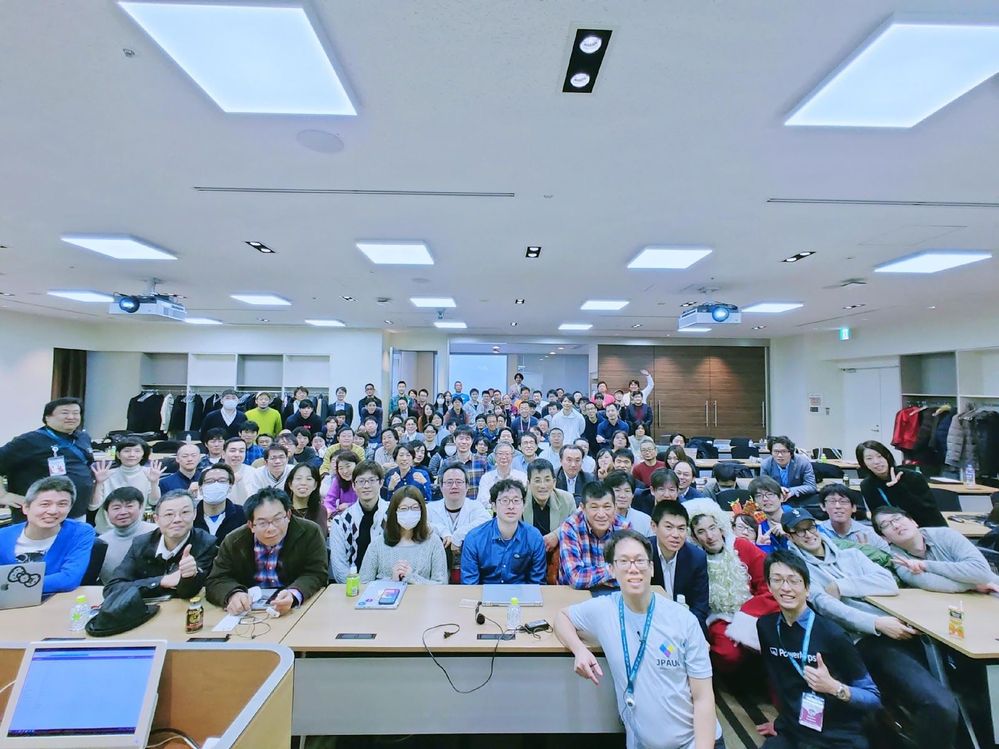
The waving wall! Impressive. Great to see you. Truly looking forward to seeing you in Las Vegas, Düsseldorf or another conference venue in the future!
Actions:
- Join on the Viva Connections private preview! | aka.ms/viva/connections/preview/register
- Feedback wanted: Microsoft Teams Toolkit for Visual Studio & Visual Studio Code now available for preview.
- Tools – https://aka.ms/teams-toolkit
- Support – StackOverflow – #TeamsToolkit
- Feedback – https://github.com/Officeev/TeamsFx/Issues
- Register for Sharing is Caring Events:
- First Time Contributor Session – June 29th (EMEA, APAC & US friendly times available)
- Community Docs Session – June 23rd
- PnP – SPFx Developer Workstation Setup – July
- PnP SPFx Samples – Solving SPFx version differences using Node Version Manager – June 24th
- Ask Me Anything – Teams Dev – July
- First Time Presenter – June 30th
- More than Code with VSCode – July
- Maturity Model Practitioners – July
- PnP Office Hours – 1:1 session – Register
- PnP Buddy System – Request a Buddy
- Download the recurrent invite for this call – https://aka.ms/spdev-spfx-call
Demos:
- spfx-fast-serve: faster SharePoint Framework development – a spfx command line utility, that accelerates SPFx development by modifying your SPFx project to run a serve command immediately upon Save. Reduces SPFx build pipeline rebuild/reload time from >7 to <1 second by applying updates only changes rather than rebuilding entire project. Install CLI, spfx-fast-serve then apply fast-serve to your SPFx project. Presenter shows/explains project file modifications. Recently added hot model replacement (HMR) feature.
Building team time zone assistant Teams solution with SPFx v1.13, including Viva Connections Card – a Team Time Clock app shown as Teams app, Personal app and Viva Dashboard Card (SPFx web part + Adaptive Card extension). On Card, see high level information (people and time) and deep link into Teams to schedule meeting experience. Based on when people prefer to meet (green times), select time by aligning green fields in time slot. Full code walkthrough, many features.
Topic:
Microsoft Teams Toolkit for Visual Studio & Visual Studio Code now available for preview.
Did you know a feature in this latest version of the Teams Toolkit is the SPFx dev experience is truly integrated into this Toolkit? Of course, the build decision is largely a UX hosting decision. TypeScript devs, will prefer SPFx/M365 hosting while ISVs will gravitate to Azure for external hosting Please share feedback on your SPFx development experience in Teams Toolkit v2.0.
- Copy PnP search results webpart settings – Anoop Tatti | @anooptells
- Follow Documents – André Lage | @aaclage
SPFx web part samples: (https://aka.ms/spfx-webparts)
- Remote Event Receiver Manager – Dan Toft | @tanddant
- Carousel – Giuliano De Luca | @delucagiulian
Thank you for your great work. Samples are often showcased in Demos.
Agenda items:
- Latest updates on SharePoint Framework – Vesa Juvonen (Microsoft) | @vesajuvonen – 6:36
- PnPjs Client-Side Libraries – Julie Turner (Sympraxis Consulting) | @jfj1997 – 8:47
- CLI for Microsoft 365 – Vesa Juvonen (Microsoft) | @vesajuvonen – 10:34
- PnP SPFx Controls – Vesa Juvonen (Microsoft) | @vesajuvonen – 11:54
- PnP Modern Search – Vesa Juvonen (Microsoft) | @vesajuvonen – 12:56
- PnP SPFx Samples – Hugo Bernier (Tahoe Ninjas) | @bernierh – 14:03
- Topic: Microsoft Teams Toolkit v2.0 – Vesa Juvonen (Microsoft) | @vesajuvonen – 52:48
Demos:
- Demo: spfx-fast-serve: faster SharePoint Framework development – Sergei Sergeev (Mastaq) | @sergeev_srg – 17:42
- Demo: Building team time zone assistant Teams solution with SPFx v1.13, including Viva Connections Card – Julie Turner (Sympraxis Consulting) | @jfj1997 & Derek Cash-Peterson | @spdcp – 31:22
Resources:
Additional resources around the covered topics and links from the slides.
- Repo – SPFx Fast Serve Tool
Article – hTWOo v0.3.0 released – Teams Splash Cards, Placeholder and demo
Tool – ABOUT HTWOO UI
- Tools – https://aka.ms/teams-toolkit
- Register – Register for Viva Connections developer platform updates and private Beta
- Viva Connections https://aka.ms/VivaConnections
- PnP Weekly – Episode 131 Vesa Juvonen (Microsoft) | @vesajuvonen, Waldek Mastykarz (Microsoft) | @waldekm were joined by Senior Program Manager – Zhenya Savchenko (Microsoft), from the Developer Division of Visual Studio group to talk about new Microsoft Teams Toolkit v2 extension for Visual Studio Code. | video | podcast
General Resources:
- Gallery – Microsoft 365 Extensibility look book gallery
- Microsoft Build sessions guide (Modern Work Digital Brochure) – aka.ms/modernworkbuildsessions
- SharePoint Framework – v1.12.1 npm install –g @microsoft/generator-sharepoint@next
- CLI for Microsoft 365 v3
- CodeTour
- Sharing is Caring | aka.ms/sharing-is-caring
- Tools – PnP Modern Search v4 | https://aka.ms/pnp-search
- M365 PnP site | aka.ms/m365pnp
- SharePoint Starter Kit v2
- Blog: “A Lap Around Microsoft Graph Toolkit” blog series
- New Microsoft 365 Patterns and Practices (PnP) team model with new community leads
- Microsoft 365 Community Content (non-Dev docs)
- PnP SPFx web part samples
- PnP SPFx extension samples
- GitHub PnPjs
- Tutorials – Getting started with SharePoint Framework v1.10 Tutorials (12 videos)
- Tutorials – Getting started with SharePoint Framework v1.10 Extensions (6 videos)
- Docs – Tutorials and training material for SharePoint Development
- SPFX Training Package
- SPFx Web Parts
- SPFx Extensions
- SPFx Library Components
- Documentation – PnPjs v2 documentation
- Link – Microsoft 365 developer training
- Link – Office 365 Developer Program
- Latest documentation on SharePoint Framework
- Found an issue with SharePoint Dev? – please let us know at http://aka.ms/spdev-issues
- Reusable web part property controls
- Reusable react controls for SharePoint Framework solutions
- Reusable controls webcast
- Office 365 CLI
- PnP SPFx Yeoman Generator – Extends the out-of-the-box experience with open-source community capabilities
- SharePoint Dev UserVoice – for new feature requests
Other mentioned topics:
Upcoming calls | Recurrent invites:
- M365 General Dev call – June 24th at 7:00 am PDT | https://aka.ms/m365-dev-sig
- SharePoint Framework call – July 1stat 7:00 am PDT | https://aka.ms/spdev-spfx-call
- Office add-in monthly call – July 14th at 8:00 am PDT | https://aka.ms/officeaddinscall
- Adaptive Cards monthly call – July 8th at 9:00 am PDT | https://aka.ms/adaptivecardscommunitycall
- Microsoft Identity Platform – July 15th at 9:00 am PDT | https://aka.ms/IDDevCommunityCalendar
- Power Apps monthly call – July 21st at 8:00 am PDT | https://aka.ms/PowerAppsMonthlyCall
PnP SharePoint Framework Special Interest Group bi-weekly calls are targeted at anyone who is interested in the JavaScript-based development towards Microsoft Teams, SharePoint Online, and also on-premises. SIG calls are used for the following objectives.
- SharePoint Framework engineering update from Microsoft
- Talk about PnP JavaScript Core libraries
- Office 365 CLI Updates
- SPFx reusable controls
- PnP SPFx Yeoman generator
- Share code samples and best practices
- Possible engineering asks for the field – input, feedback, and suggestions
- Cover any open questions on the client-side development
- Demonstrate SharePoint Framework in practice in Microsoft Teams or SharePoint context
- You can download a recurrent invite from https://aka.ms/spdev-spfx-call. Welcome and join the discussion!
“Sharing is caring”
Microsoft 365 PnP team, Microsoft – 18th of June 2021






Recent Comments