by Scott Muniz | Feb 8, 2022 | Security, Technology
This article is contributed. See the original author and article here.
Adobe has released security updates to address vulnerabilities in multiple Adobe products. An attacker could exploit some of these vulnerabilities to take control of an affected system.
CISA encourages users and administrators to review the following Adobe Security Bulletins and apply the necessary updates.
by Scott Muniz | Feb 8, 2022 | Security
This article was originally posted by the FTC. See the original article here.
For someone who wanted to run their own business, it seemed like a great opportunity — buy your own burger franchise and get training and support to help you succeed. And if you’re a veteran, you even get a discount. But for people who paid for a Burgerim franchise, the promises of support and refunds didn’t turn out to be true, the FTC says.
According to a lawsuit filed on the FTC’s behalf by the Department of Justice, Burgerim and its owner promoted their franchises as “a business in a box” and said the company would support people as they established the franchise, including securing loans, locations, and licenses needed to run the business. In many cases, Burgerim also promised franchisees it would refund the franchise fee if the franchise was unable to open.
But in many cases, franchisees couldn’t secure financing or locations for their restaurants and didn’t get promised refunds, the FTC says. Buyers also didn’t get all the information they were entitled to under the Franchise Rule, which is designed to make sure that people thinking about buying a franchise have the information they need to weigh the risks and benefits of their potential investment. The FTC says Burgerim made tens of millions from franchise sales, but most franchises that were sold never opened, and some franchisees lost tens of thousands of dollars.
If you’re trying to decide whether a franchise is right for you, start with this guidance for franchisees from today’s Business Blog post. Then read our guide, A Consumer’s Guide to Buying a Franchise. It includes key questions to ask before you invest, and also explains how to use the Franchise Disclosure Document — a document franchisors have to give you so you can investigate and evaluate a franchise opportunity.
Already have an issue or concern about a franchise? The FTC wants to hear from you. Visit ReportFraud.ftc.gov and select the option for reporting issues with franchise opportunities. Or, use this specially created link. It takes you directly to a form created specifically to collect information related to franchises.
Brought to you by Dr. Ware, Microsoft Office 365 Silver Partner, Charleston SC.
by Scott Muniz | Feb 8, 2022 | Security, Technology
This article is contributed. See the original author and article here.
Mozilla has released security updates to address vulnerabilities in Firefox and Firefox ESR. An attacker could exploit some of these vulnerabilities to take control of an affected system.
CISA encourages users and administrators to review the Mozilla security advisories for Firefox 97 and Firefox ESR 91.6 and apply the necessary updates.
by Scott Muniz | Feb 7, 2022 | Security, Technology
This article is contributed. See the original author and article here.
The Federal Bureau of Investigation (FBI) has released a Flash report detailing indicators of compromise (IOCs) associated with attacks, using LockBit 2.0, a Ransomware-as-a-Service that employs a wide variety of tactics, techniques, and procedures, creating significant challenges for defense and mitigation.
CISA encourages users and administrators to review the IOCs and technical details in FBI Flash CU-000162-MW and apply the recommend mitigations.
by Scott Muniz | Feb 4, 2022 | Security
This article was originally posted by the FTC. See the original article here.
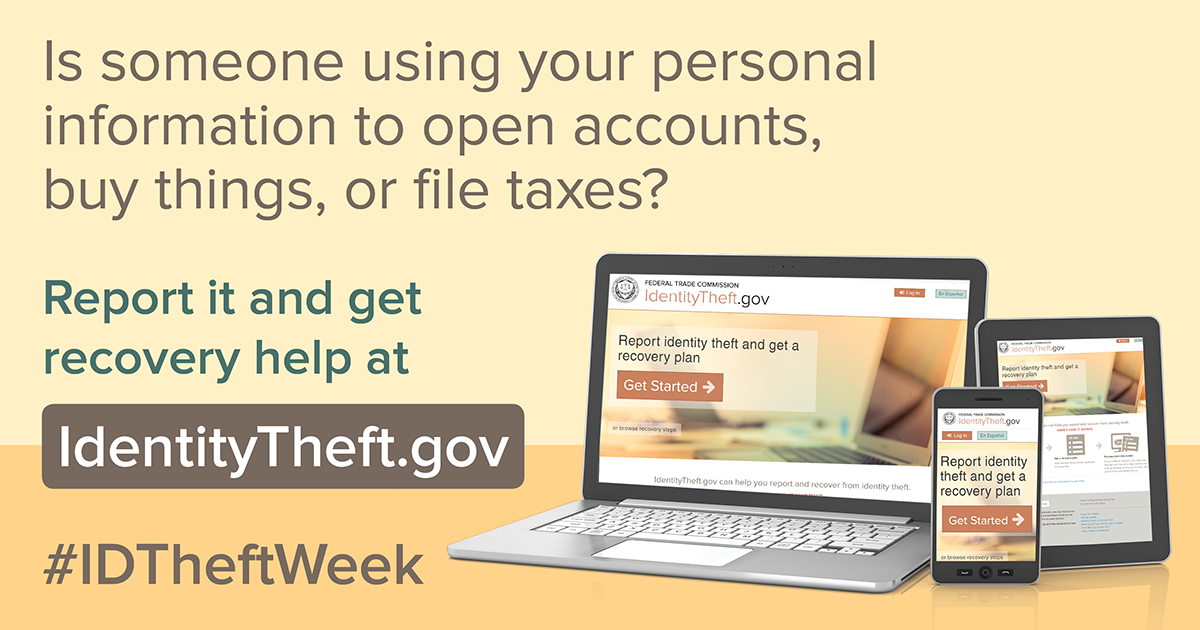
When identity theft happens, it’s hard to know where to begin. That’s why the FTC created IdentityTheft.gov, a one-stop resource for people to report identity theft to law enforcement and to get step-by-step instructions on how to recover from any type of identity theft.
The first step in avoiding identity theft, or stopping the damage, is placing a fraud alert on your credit report. This makes it harder for a thief to open new credit in your name, and lets you get free copies of your credit report from each of the three credit bureaus. Next, read through your reports and note any accounts or transactions that don’t belong. Then, go to IdentityTheft.gov.
When you report at IdentityTheft.gov, you’ll answer questions and give details about what happened. Include information about any problems you spotted on your credit reports. IdentityTheft.gov will use that information to create your personalized:
- Identity Theft Report, which shows that someone stole your identity, and
- recovery plan with step-by-step advice to help you fix problems.
Your Identity Theft Report, recovery plan, and sample letters from IdentityTheft.gov will help you repair problems caused by identity theft. Your recovery plan may tell you to:
Learn more about protecting your identity and recovering from identity theft at ftc.gov/idtheft.
Brought to you by Dr. Ware, Microsoft Office 365 Silver Partner, Charleston SC.
by Scott Muniz | Feb 4, 2022 | Security
This article was originally posted by the FTC. See the original article here.
Lots of people recently got an email or letter about free credit monitoring through the Equifax settlement. That’s because the settlement with Equifax was just approved by a court. So now, if you signed up for credit monitoring as part of that settlement, you can take a few steps to switch it on. The email or letter tells you how. Learn more at the FTC’s official site for information: ftc.gov/Equifax.
Remember that you don’t have to pay for credit monitoring as part of this settlement, and nobody will call, text, or email out of the blue to ask you for your credit card or bank account numbers, or to “help” you get your free credit monitoring. Anyone who does is a scammer, so please tell the FTC at ReportFraud.ftc.gov.
Learn more about the settlement and free credit monitoring at ftc.gov/Equifax.
Brought to you by Dr. Ware, Microsoft Office 365 Silver Partner, Charleston SC.


Recent Comments